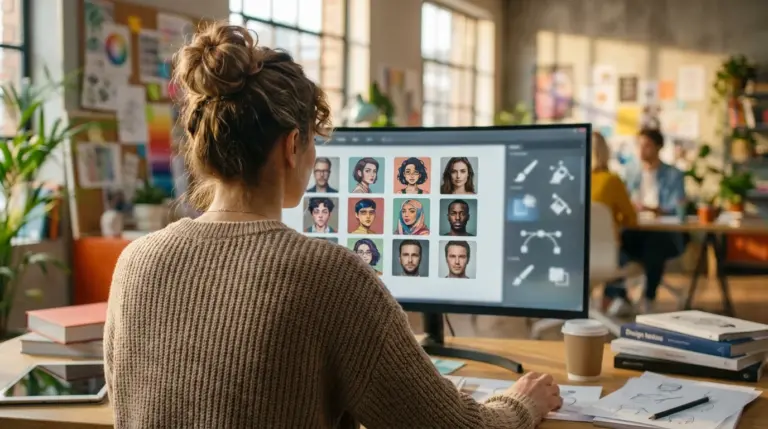
Ever wonder how people get those perfect, studio-quality headshots for Instagram? Chances are, they’re using an AI profile picture maker. You just upload a few casual selfies, pick a style, and the AI spits out dozens of options. It’s a for creating a polished brand image without the hassle of a real photoshoot.
Let’s be honest, your Instagram profile picture is the first thing people see. A blurry, poorly lit selfie can totally undermine your credibility, especially if you’re a freelancer, a small business owner, or a content creator. While a professional photoshoot sounds great, it’s often expensive and a huge time sink. This is where AI comes in, offering a much faster and more affordable way to get a high-quality look that actually matches your brand, setting you apart from accounts with generic photos.
What Are AI Profile Picture Makers and How Do They Work?
So, what exactly are these tools? Think of AI profile picture makers as applications that use artificial intelligence to dream up new, stylized images from the photos you provide. They’re built on generative AI models, a type of Artificial Intelligence trained on massive datasets of images to learn patterns and styles. When you upload your shots, the AI analyzes your facial features and then reconstructs them into brand-new portraits based on the style you select.
The process is usually pretty simple. You typically need to:
- Upload between 10 and 20 clear photos of yourself from different angles and with various expressions.
- Select a style pack, which might range from professional business headshots to more creative or artistic avatars.
- Wait for the AI to train on your face and generate the images. This can take anywhere from a few minutes to a couple of hours, so grab a coffee.
The result is a collection of unique, high-resolution headshots that you can use across all your social media profiles, including Instagram. Simple as that.
What Are the Top AI Profile Picture Makers for Instagram in 2026?
Okay, so which tools are actually worth your time? Several AI apps excel at creating professional-looking profile pictures, though each has different strengths. In my experience, some focus on hyper-realistic corporate headshots, while others offer more creative and artistic styles. What works best for you really depends on your specific branding needs and budget.
Here is a comparison of some leading options available today:
| Tool | Key Feature | Best For | Pricing |
|---|---|---|---|
| PFPmaker | Instant background removal and creative designs | Quick, stylized profile pictures for social media | Free with paid pro features |
| Aragon.ai | High-quality, realistic corporate headshots | Professionals and teams needing business photos | Starts at $29 |
| Lensa AI | Artistic and fantasy-style avatars (Magic Avatars) | Content creators and personal accounts | Subscription-based |
| Fotor | All-in-one photo editor with an AI headshot generator | Users who want a single tool for multiple editing tasks | Freemium model |
How Can AI Profile Pictures Enhance Your Instagram Aesthetic and Branding?
But does an AI profile picture really make a difference for your Instagram aesthetic? Absolutely. It helps you lock in a professional and consistent visual identity. Think about it: a high-quality, on-brand profile picture acts as a visual anchor for your entire account, making it instantly recognizable. This consistency is a core component of effective social media marketing strategies because it builds trust and reinforces your brand’s personality every time you post or comment.
Instead of using a random selfie that clashes with your grid’s color palette, you can generate a headshot with specific background colors and lighting that complement your overall theme. This attention to detail signals professionalism and helps you stand out. You can learn more about building a cohesive look with these effortless Instagram aesthetic tips.
Imagine this scenario. A freelance graphic designer was using a low-resolution selfie on her Instagram business profile, which failed to attract high-value clients. After using an AI headshot app to create a series of polished photos with a creative, on-brand background, she updated her profile. The result? She saw a 40% jump in profile clicks from potential clients within the first month and a much stronger professional image.
What Key Features Should You Look for in an AI Profile Picture Generator?
When you’re picking an AI profile picture generator, it’s easy to get caught up in the hype. But you need to evaluate features that directly impact the quality and utility of the final images. What really matters is finding a tool that offers a blend of style, quality, and control.
Look for these key features:
- Style Variety: The best tools offer a wide range of styles, from corporate and formal to casual and artistic. This ensures you can find a look that genuinely matches your brand’s voice.
- High-Resolution Output: Your profile picture needs to be sharp and clear, even as a small circle. Make sure the service provides high-resolution downloads (e.g., 1024×1024 pixels or higher).
- Customization Options: Some generators let you specify details like background color, clothing style, or lighting. This level of control is invaluable for maintaining brand consistency.
- Realistic Results: A common mistake I find is people choosing AI images that look overly processed or don’t resemble them. The AI should enhance your look, not create a completely different person.
- Privacy Policy: On top of that, you are uploading personal photos. Always check the tool’s privacy policy to understand how your data is stored and used. Reputable services delete your uploaded images after the AI model is trained.
Tips for Creating a Professional AI Profile Picture for Instagram
Look, getting a great AI headshot isn’t just about picking the right tool. It’s also about the input you provide and how you refine the output. To get a professional result that makes your Instagram profile pop, follow a few simple best practices.
First off, start with high-quality source images. The AI needs clear, well-lit photos of your face from multiple angles to produce an accurate result, so avoid shots with sunglasses, hats, or heavy shadows. Then, choose a style that aligns with your professional identity. The principles for a great LinkedIn photo, for instance, often apply to a professional Instagram account. You can find related advice to AI tools for professional photos.
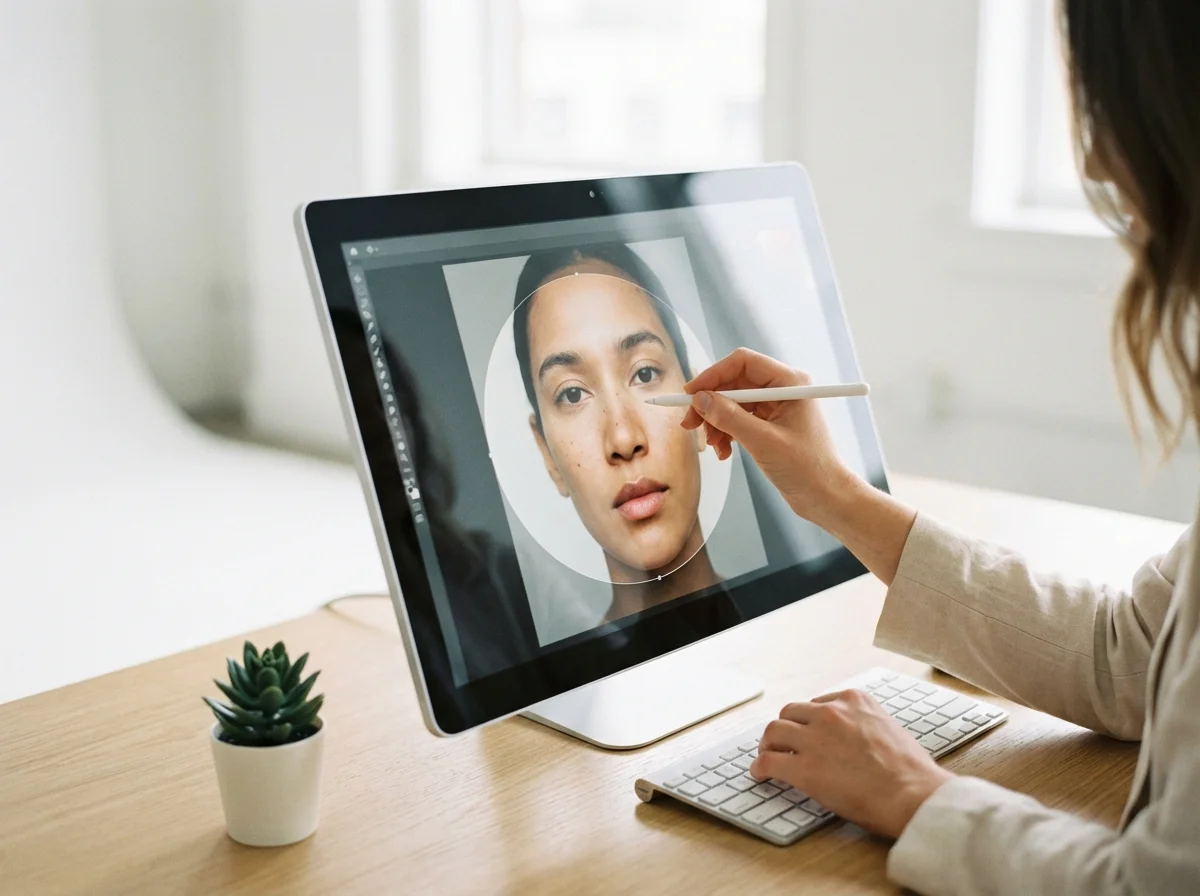
Once you have your generated images, select one with a clean, uncluttered background. If the background is distracting, you can easily swap it out using a free background remover to create a more focused portrait. Finally, since Instagram displays profile pictures in a circle, use a circle crop tool to preview and adjust the framing. This way, you know your face is perfectly centered and no important details are cut off.
Upgrading your Instagram profile picture is honestly one of the quickest ways to level up your online presence. The best AI profile picture makers provide an accessible yet powerful solution to create professional headshots that build credibility and brand consistency. So, instead of settling for a dated selfie, choose one of the tools mentioned and generate a new image that truly represents you or your business.
FAQ
Are AI-generated profile pictures free?
Some tools like PFPmaker have free options, but most high-quality AI headshot generators are paid. They usually charge a one-time fee because generating the images takes a lot of computing power.
How many photos do I need to upload for an AI generator?
You’ll generally need to upload between 10 and 20 clear selfies. Giving the AI a good variety of expressions, angles, and lighting helps it produce much more accurate and interesting results.
Can an AI profile picture look unprofessional?
Oh, definitely. An AI photo can look unprofessional if the style doesn’t fit your brand or if the result is just plain unrealistic. My advice is to pick a style that looks like a real, high-quality photograph, not a super artistic or airbrushed illustration.
What is the best image format for an Instagram profile picture?
Stick with a high-resolution JPEG, at least 1080×1080 pixels before you crop it. This ensures your picture stays sharp and clear, even when it’s shrunk down into that little circle on phones.
Crop and resize images for free