Blog
Practical tutorials and tips on image, compression, formats, and performance.
134 posts · Page 1 of 12
-
 Tutorials
PowerPoint File Size Guide: Picture Settings That Shrink a Deck
A heavy PowerPoint deck is the pictures. Measured: the 150 ppi resize returns 52 percent, switching those exports to JPEG returns 92 percent. Do both.
-
 Tutorials
WhatsApp Photo Quality Guide 2026: Where the Damage Happens
A standard WhatsApp send drops about 90% of your pixels, and that is the whole story. I measured the re-encodes, and pre-resizing costs more than it saves.
-
 Tutorials
Google Merchant Center Image Size Guide 2026: 500x500
Google's 500x500 image floor lands on January 31, 2027. Here are the exact specs, the 75-90% framing rule, and what upscaling a thumbnail really costs you.
-
 Tutorials
Remove EXIF Metadata on Windows: Keep Photos Private
Remove EXIF metadata on Windows with a share-safe copy, then verify location, camera, and date fields before a photo securely leaves your folder for sharing.
-
 Tutorials
Resize a Batch of Images on Windows and Mac
Resize a batch of images on Windows or Mac without stretching mixed orientations, then spot-check the files that matter.
-
 Tutorials
Google Business Profile Image Sizes 2026: Logo, Cover, Posts
Google documents four image rules for a Business Profile: JPG or PNG, 10 KB to 5 MB, 250 px minimum, 720 px recommended. Every other number is convention.
-
 Tutorials
eBay Photo Requirements Guide 2026: Sizes, Zoom, Rules
eBay photo requirements for 2026: the 500 px floor, the 1600 px zoom target, the 12 MB cap, the watermark ban, and what compliant exports really weigh.
-
 Tutorials
Poshmark Photo Sizes 2026: Covershot, Listing Grid, Uploads
Poshmark covershots now display as 3:4 portraits, not squares. Get the official specs, my measured CDN sizes, and a prep flow that keeps items in frame.
-
 Tutorials
Twitch Banner Size Guide 2026: Profile, Offline, and Panels
Twitch banner sizes for 2026: profile banner 1200x480, offline screen 1920x1080, panels 320px wide, plus the placement rules the template guides get wrong.
-
 Tutorials
Combine Multiple JPGs Into One PDF: Keep Page Order Straight
Combine JPGs into one PDF without scrambled pages: sort the set, choose the right layout, and verify the file before you send it.
-
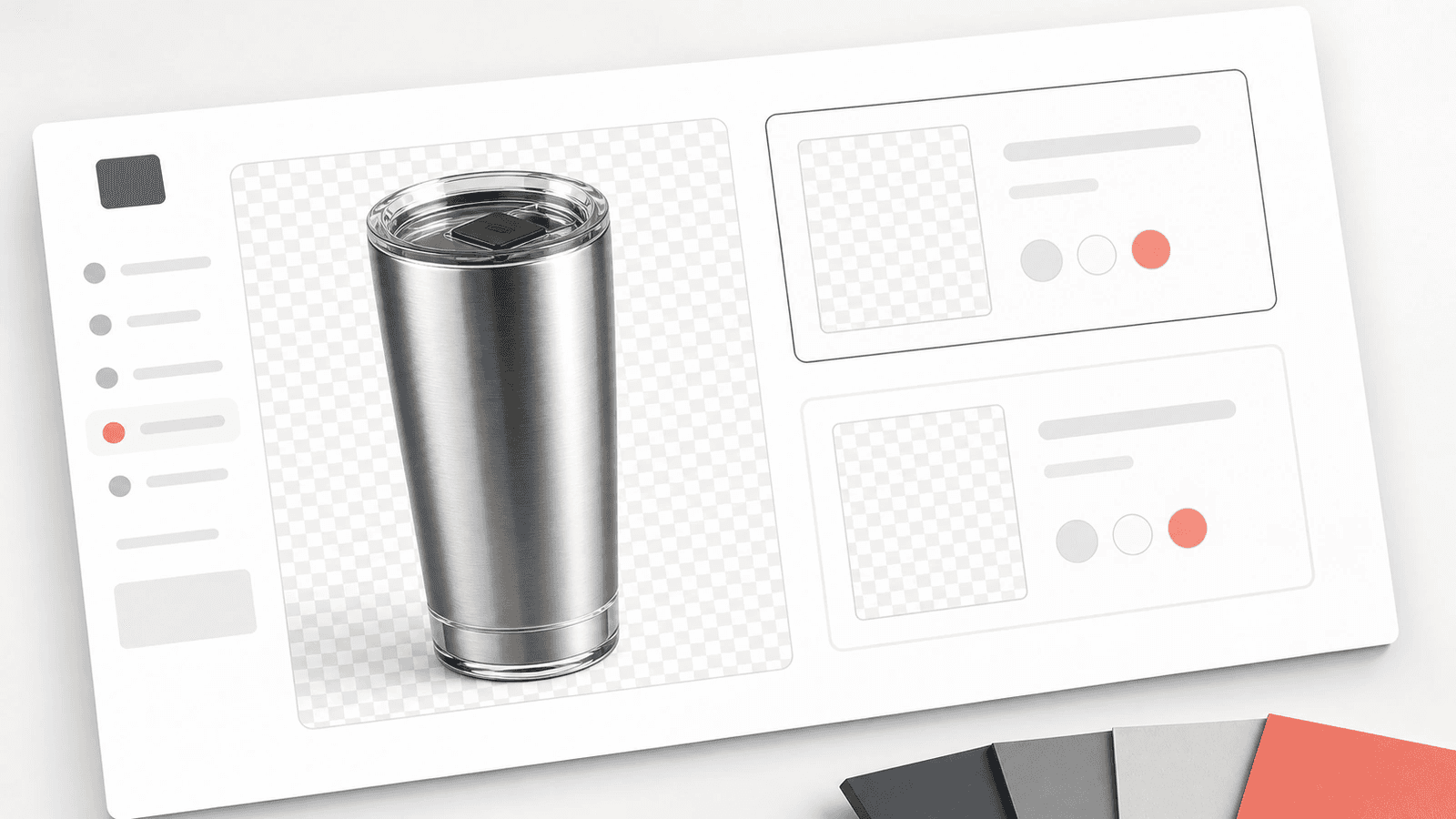 Image Editing
WebP vs PNG for Transparent Images: Product Edge Test
Compare WebP and PNG for transparent product images with a local edge test, file sizes, and practical checks for clean catalog exports.
-
 Tutorials
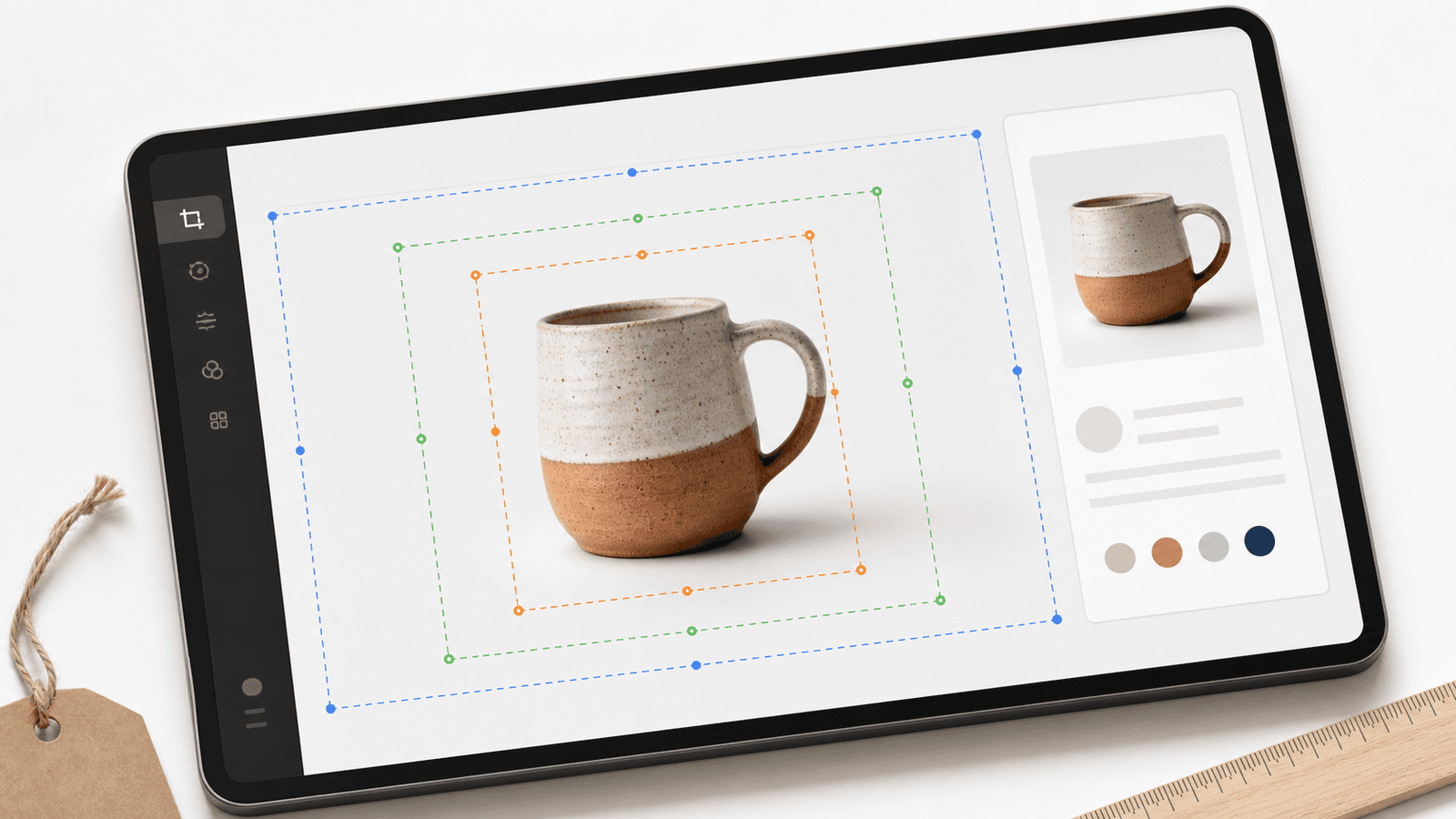
Crop Product Photos for Marketplace Thumbnails
Crop product photos for marketplace thumbnails with a three-frame safe zone, cleaner exports, and a quick small-screen check before upload.


