For 2026 social media image sizes, the quick answer is 1080×1350 for Instagram Portraits, 1080×1080 for square posts, and 1080×1920 for Stories and Reels. Facebook posts generally work best at 1200×630, while LinkedIn needs 1200×627 for shared links. Sticking to these dimensions ensures your graphics look sharp and nothing important gets cut off.
We’ve all been there: you spend hours creating the perfect graphic for a campaign. It looks fantastic on your computer, but when you upload it to Instagram, the app awkwardly crops the sides and cuts off your text. It’s a common frustration, and it happens when image dimensions don’t match what the platform expects. Using the right sizes isn’t just about looking good; it’s about making sure your message is delivered clearly and professionally, so your content never looks amateurish.
Why Do Social Media Image Sizes Change Annually?
So, why do these specs seem to change every year? It really comes down to adapting to new tech and user habits. As our phone screens get larger and display resolutions improve, social networks have to update their requirements to keep visuals looking crisp and high-quality. A resolution that looked great on an iPhone from five years ago might seem a bit pixelated on a brand new device. Plus, platforms are constantly rolling out new features like different Story formats, new ad placements, or redesigned profiles, and each one comes with its own unique dimension requirements. While these updates are meant to improve the user experience, they also mean we have to stay current with the latest specs.
What Are the Optimal Image Sizes for Facebook in 2026?
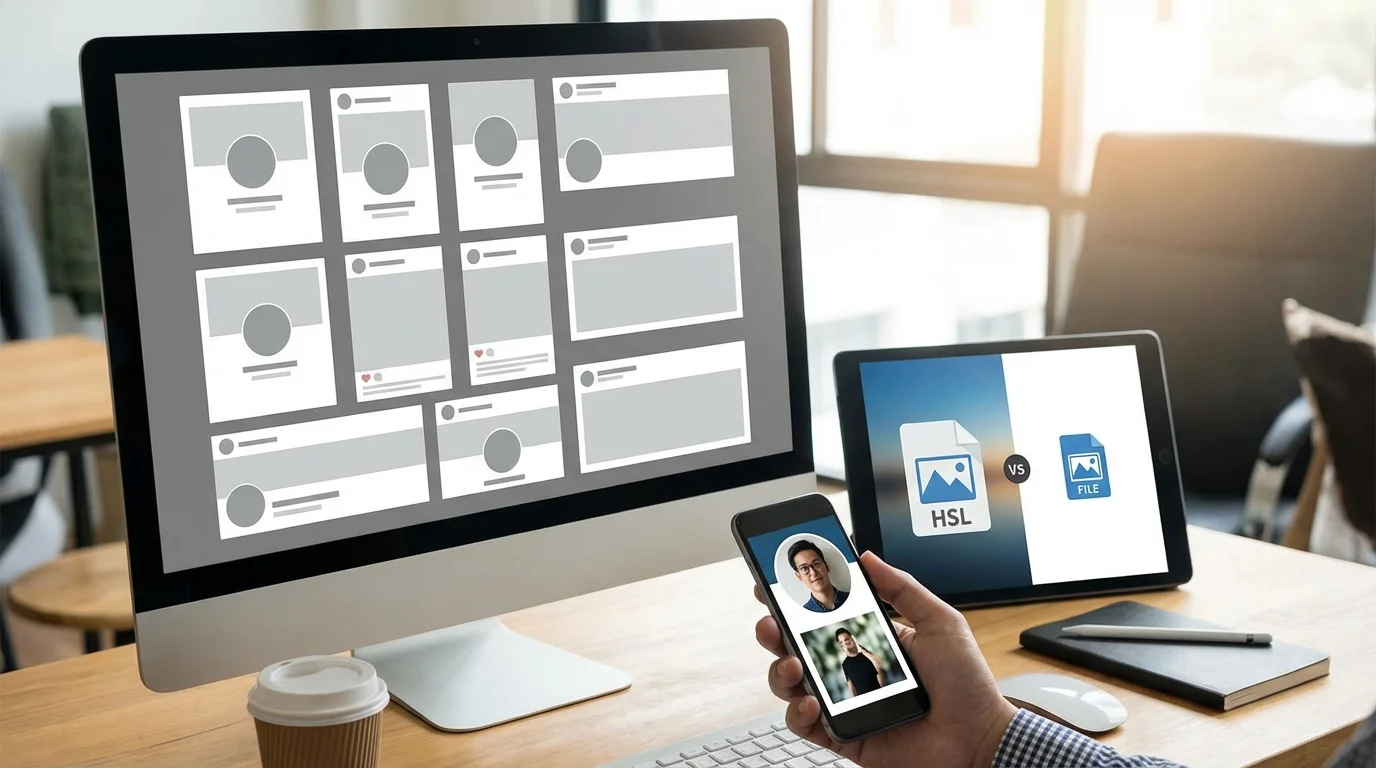
The best image sizes for Facebook in 2026 really depend on the placement, but focusing on a few key dimensions will cover most of your needs. For a standard feed post that includes a link preview, you should aim for 1200 x 630 pixels. This 1.91:1 aspect ratio ensures the whole visual is displayed without weird cropping. For vertical graphics, which I think are great because they take up more screen space on mobile, a 1080 x 1350 pixel image is super effective.
Here are the most common Facebook image sizes 2026:
- Profile Picture: 320 x 320 pixels (displays as a circle)
- Cover Photo (Desktop): 851 x 315 pixels
- Shared Image (Square): 1080 x 1080 pixels
- Shared Image (Vertical): 1080 x 1350 pixels
- Shared Link Preview: 1200 x 630 pixels
- Stories & Reels: 1080 x 1920 pixels (9:16 aspect ratio)
A common mistake I see all the time is creators uploading a huge cover photo without checking the mobile view, where the sides often get chopped off. My advice? Always design for the central “safe zone” where key info will be visible on any device.
How to Choose the Best Image Dimensions for Instagram in 2026?
On Instagram, you should prioritize the vertical format because it occupies the most screen real estate on mobile devices. Simple as that. The ideal size for a portrait post is 1080 x 1350 pixels, which is a 4:5 aspect ratio. While square (1080 x 1080) posts are still a solid choice, in my experience, the vertical format is more effective for grabbing attention as people scroll. According to Instagram’s official guidelines, keeping a high resolution is crucial for avoiding the compression that can make graphics look blurry.
Here is a breakdown of the essential Instagram image sizes 2026:
- Profile Photo: 320 x 320 pixels (displays as 110 x 110)
- Feed Photo (Square): 1080 x 1080 pixels (1:1 ratio)
- Feed Photo (Portrait): 1080 x 1350 pixels (4:5 ratio)
- Feed Photo (Landscape): 1080 x 566 pixels (1.91:1 ratio)
- Stories & Reels: 1080 x 1920 pixels (9:16 ratio)
A cohesive look is also vital. After you’ve mastered the dimensions, you can focus on how to create an aesthetic Instagram feed that reflects your brand. I know a freelance graphic designer who manages accounts for several local coffee shops. She was struggling with inconsistent visual quality. So, she created a set of Canva templates for each key aspect ratio (1:1, 4:5, 9:16) and began exporting every graphic to the exact recommended pixel dimensions. The result? Within two months, the average engagement rate across her accounts jumped by 20% because the feeds just looked more polished and professional.
What Are the Recommended Sizes for Other Major Platforms?
Beyond Facebook and Instagram, other networks have their own specific requirements for looking professional. LinkedIn, X (formerly Twitter), TikTok, and YouTube each favor different formats based on their audience and content style. For example, professional channels like LinkedIn prefer wider, more traditional aspect ratios for shared content, whereas entertainment-focused apps like TikTok are built entirely around the vertical 9:16 format.
LinkedIn Image Sizes 2026
For LinkedIn, professionalism is everything, and correctly sized visuals support that. A personal profile’s background banner is a prime piece of real estate that needs careful design.
- Profile Picture: 400 x 400 pixels
- Personal Cover Photo: 1584 x 396 pixels
- Company Page Logo: 400 x 400 pixels
- Company Cover Photo: 4200 x 700 pixels
- Shared Image or Link: 1200 x 627 pixels
X (Twitter) and TikTok Image Sizes 2026
X tends to favor landscape images in the feed, while TikTok is exclusively vertical. Getting these wrong can make your content nearly invisible or just plain unwatchable.
- X Profile Photo: 400 x 400 pixels
- X Header Photo: 1500 x 500 pixels
- X In-Feed Photo: 1600 x 900 pixels (16:9 ratio)
- TikTok Profile Photo: 200 x 200 pixels
- TikTok Video: 1080 x 1920 pixels (9:16 ratio)
YouTube Image Sizes 2026
On YouTube, your channel art and video thumbnails are your most important visual assets. According to the official YouTube image and video specifications, the channel cover photo has to be designed with a central safe area to ensure it looks good on everything from a TV to a mobile phone.
- Profile Picture: 800 x 800 pixels
- Channel Cover Photo: 2560 x 1440 pixels
- Video Uploads (HD): 1280 x 720 pixels (16:9 ratio)
Tools and Best Practices for Managing Social Media Image Sizes
Look, managing all these different social media image dimensions 2026 doesn’t have to be a headache. The key is to focus on aspect ratios instead of trying to memorize dozens of specific pixel counts. The most common ratios are 1:1 (square), 4:5 (vertical), 16:9 (landscape/horizontal), and 9:16 (tall vertical for stories). If you design your main creative in a large format and keep key elements in a central “safe zone,” you can easily adapt it for multiple platforms.
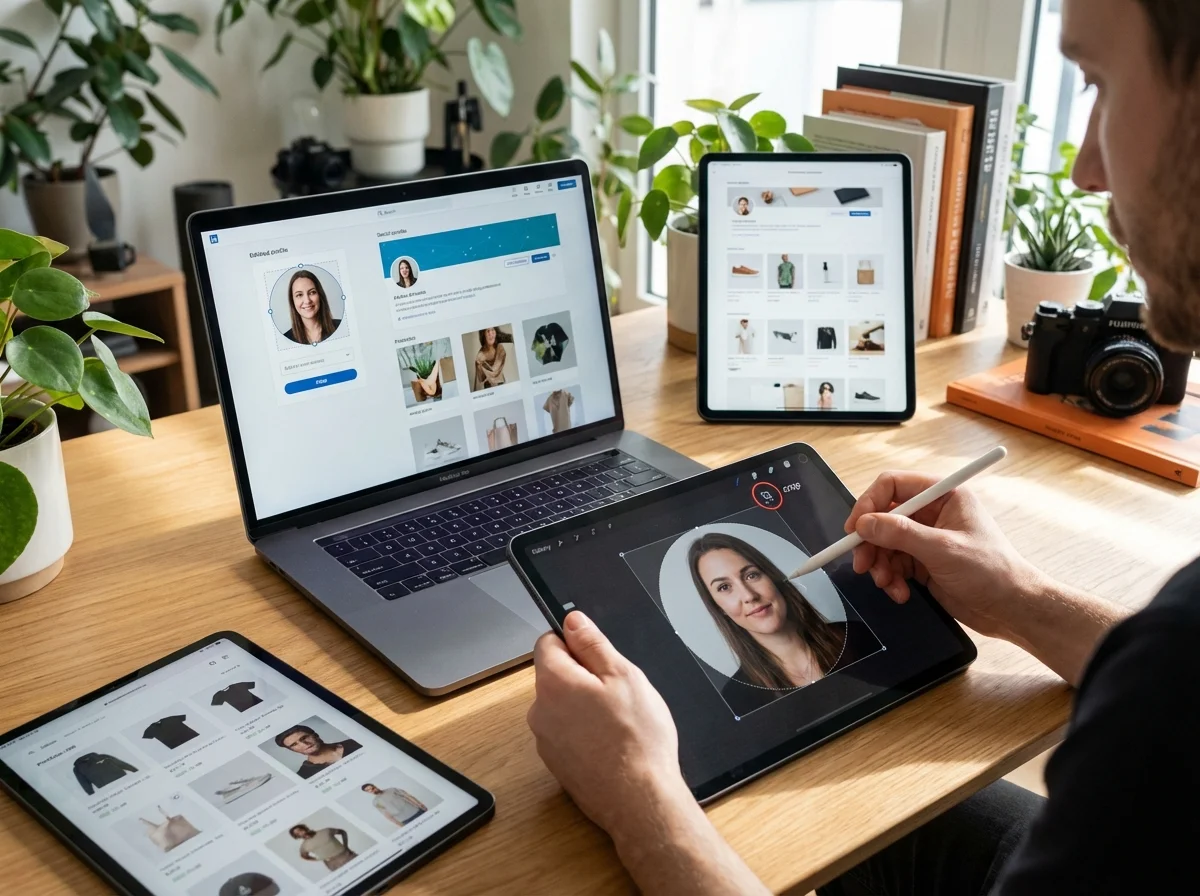
Once you have your master visual, you can use a free online image cropper to quickly generate versions for each platform. Simply upload your graphic and select the required aspect ratio. For profile pictures, which are almost always circular, a dedicated circle crop tool can save you some time. After resizing, file size can become an issue, especially on networks like X that have strict limits. An image compressor can shrink the file size without a noticeable drop in quality, ensuring fast load times.
In practice, a single, well-composed high-resolution graphic can be repurposed for every social media channel if you just understand aspect ratios. For instance, imagine you’re a small business launching a new product. You can create one main 1080×1350 visual for Instagram, then use a cropping tool to create a 1:1 square version and a 1200×630 version for a Facebook link post. This approach is way more efficient than creating a dozen unique images from scratch.
So what’s the big takeaway? Instead of chasing every minor update, focus on creating high-quality master visuals and adapting them using aspect ratios as your guide. This approach not only saves time but also ensures your brand looks consistently professional everywhere. As a next step, I’d recommend creating a simple set of templates in your favorite design tool for the three core aspect ratios—1:1, 4:5, and 9:16. It will streamline your workflow for 2026 and beyond.
FAQ
What happens if I upload an image with the wrong dimensions?
Basically, the social media platform will automatically crop or resize it to fit. This often means important parts of your visual get cut off, or the quality drops, making it look blurry or pixelated.
Should I use JPG or PNG for social media images?
Stick with JPG for most photos, as it balances quality with a small file size. Go with PNG for graphics that need a transparent background, like logos, or for visuals with sharp lines and text.
What is the best size for a TikTok video?
The best size for a TikTok video is 1080 x 1920 pixels. This is the standard 9:16 vertical ratio that fills the entire phone screen, so you can avoid those ugly black bars on the sides.
How can I make sure my cover photo looks good on both desktop and mobile?
The trick is to place your most critical info—like your logo or tagline—within a central ‘safe area.’ Platforms often provide templates showing which areas get cropped on different screens, so designing for the smallest view (mobile) first is a good rule of thumb.
Crop and resize images for free