Choosing the best ai tool for product photography editing in 2026 isn’t just about finding the coolest tech; it’s about identifying the platform that keeps your Shopify store running without a single visual hitch. Snapshot and Photoroom have emerged as the primary choices for ecommerce merchants who need fast, professional, and consistent results. These engines utilize advanced light-aware algorithms to strip away distracting backgrounds, match lighting across different shots, and drop in realistic shadows that make products feel grounded. If you are managing a high-volume catalog on Shopify, Snapshot’s deep integration can shave hours off your week. Alternatively, if you prefer handling quick updates on the fly from your phone, Photoroom remains a powerhouse for mobile-first editing.
Bootstrapping an ecommerce brand usually means you’re wearing every hat in the office, including the photographer’s cap. You’ve likely discovered that snapping a sharp photo of a watch or a piece of jewelry is only half the work. The real struggle begins when you try to make those photos look uniform on a collection page without a five-figure studio budget. Small items are particularly troublesome. They pick up weird reflections, lose detail in the shadows, or end up looking flat against a DIY light box. Plus, if you’re using a phone, the depth of field might not be quite right for that high-end look.
Professional photoshoots are often out of reach for fast-moving brands that drop new arrivals every week. Nonetheless, a practical workflow exists: the hybrid setup. You capture the raw image with your smartphone and then use a specialized AI editor for the heavy lifting in post-production. You don’t need a degree in digital design to create images that convert. What you actually need is a utility that handles light, shadow, and edge precision in a product-specific context without altering the physical reality of what you’re selling to your customers.
What is the best free AI tool for product photography editing?
Photoroom and LightX offer two of the most robust free tiers for individual sellers today. They provide high-quality background removal and basic generative scenes without requiring a credit card upfront. Many so-called “free” solutions hide their high-resolution exports behind a paywall, but these specific apps still allow you to produce clean assets that work perfectly for social media and smaller web storefronts. Ultimately, the best free ai photo editor for ecommerce must balance simplicity with the technical ability to preserve the product’s authentic shape and color profile.
You’ll often see new merchants experiment with generic AI art generators, only to realize the software has “hallucinated” and changed the product’s textures or colors. A dedicated product editor like LightX is different because it focuses on surgical object selection. This is vital when you’re dealing with complex edges, such as the links on a watch band or the delicate prongs of a ring. These platforms use computer vision to isolate the subject from its environment, ensuring edges remain crisp rather than looking melted or blurry. On top of that, they maintain the original resolution of the item itself while replacing the surroundings.
If you are just starting out, prioritize a platform with a gentle learning curve. Photoroom is exceptionally effective here because it provides instant studio templates. Imagine you’ve just taken a photo of a leather wallet on your kitchen table. With one tap, the app places that wallet on a polished marble slab or a rustic wooden surface with lighting that matches the new environment perfectly. This level of automation allows you to focus on sourcing and customer service instead of wrestling with complex masking tools in a traditional photo editor.
- Photoroom: Still the top choice for mobile users who need lightning-fast background swaps and template application.
- LightX: A powerful resource for precise object isolation, color correction, and more granular manual controls.
- Adobe Express: A solid option for basic edits if you are already paying for a Creative Cloud subscription.
- Microsoft Designer: A surprisingly capable web-based alternative for creating quick, clean promotional layouts.
Mastering the Workflow: Background Removal and Realistic Shadows
To remove backgrounds for Shopify effectively, you should use a dedicated ai product background remover like Snapshot or Photoroom that plugs directly into your store’s ecosystem. The process is straightforward: upload your raw image, let the AI isolate the product, and export a pure-white or transparent PNG that meets marketplace standards. Following the official Shopify product photography guidelines ensures you meet the technical specs for zoom features and consistent display across all mobile devices.
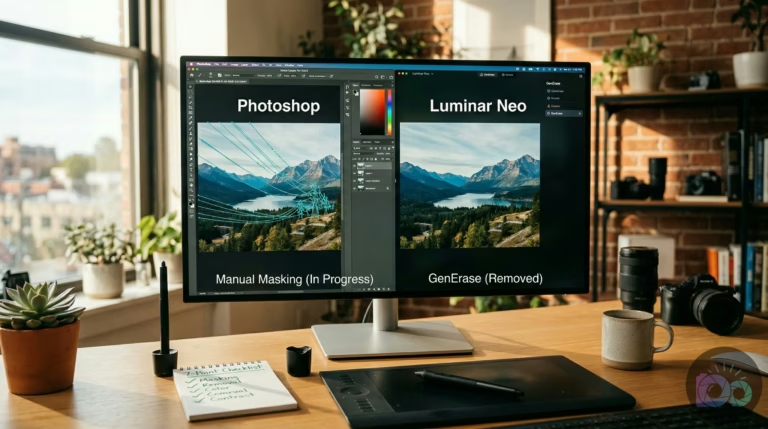
The most efficient path is using an application that lives inside your Shopify dashboard. With Snapshot, for instance, you don’t have to download and re-upload files repeatedly. You simply select the image, click “Remove Background,” and the AI handles the masking in seconds. This is a lifesaver when managing a catalog of 50 or more items. For a deeper look at the technical landscape, our guide on background removal in 2026 breaks down how desktop giants like Photoshop compare to these automated apps.
Modern ai shadows for product photography have evolved beyond simple gray blobs. They now use light-aware logic to analyze the product’s geometry and cast a shadow that matches a virtual light source. This includes ambient occlusion and contact shadows—the dark areas where a product actually touches a surface. Without these, your product looks like it’s floating, which is a major red flag for shoppers. If you need a quick fix, a free background remover with a basic shadow toggle can still help you achieve a much more polished result.
| Feature | Manual Masking | Standard AI | Shopify-Integrated AI |
|---|---|---|---|
| Time per image | 5-10 minutes | 15-30 seconds | 5-10 seconds |
| Accuracy | 100% (High Skill) | 95% | 95% |
| Batch Ability | None | High | Native Batching |
| Workflow Cost | Very High | Moderate | Low |
“Shadows are the anchor of visual reality in ecommerce. Without them, even the highest resolution product photo loses its credibility and trust with the consumer.” — Shopify, Product photography guidelines (Help Center)
Why Shadow Realism Matters
Imagine you are launching a new line of sunglasses. If the shadow falls to the left but the reflections on the lenses suggest light from the right, the brain recognizes the image as ‘fake’ instantly. Pikes AI and Snapshot excel here because they look at grounding points. They darken the areas where the frame touches the ‘table’ more intensely than the outer edges of the shadow. This creates a sense of weight and physical presence that flat cutouts simply cannot replicate.

Scaling Up: Batch Processing and Budgeting for Your Store
Snapshot and Pixc are widely considered the best ai tools for shopify product photos when you need to process hundreds of assets simultaneously. Batch processing allows you to apply the same background, shadow style, and color profile across an entire collection. This keeps your storefront looking cohesive rather than like a patchwork of different shoots. It is also the fastest way to handle bulk updates during a seasonal launch or when migrating to a new visual brand identity.
You’ll often see store owners start with manual edits and then burn out by the twentieth product. For large catalogs, you need software that supports asynchronous batching. You upload 100 photos, start the process, and go back to your marketing or logistics while the AI works in the background. On top of that, Snapshot allows you to save “themes.” This means every new upload automatically inherits the same soft-box lighting and marble background that your brand is known for.
Pricing is the next hurdle. When choosing your software, you’ll typically decide between credit-based pricing (pay per image) and unlimited subscription plans. Credit-based platforms like remove.bg work well for small boutiques with infrequent updates. Still, unlimited plans tend to be much more cost-effective for high-growth brands with hundreds of SKUs. For a glimpse into the future of how these tools are selected, check out how GPT-5 and newer models might eventually automate the choice of which engine to use for which specific image.
| Model Type | Best For | Typical Cost | Pros/Cons |
|---|---|---|---|
| Credit-Based | New Stores, Low Volume | $0.20 – $0.90 per image | Pay for what you use / Can get expensive during peaks |
| Monthly Unlimited | High-Growth, Seasonal Brands | $19 – $49 per month | Predictable costs / Wasteful if your catalog is static |
| Enterprise Custom | Massive Catalogs (10k+ SKUs) | Custom Quote | Deep API support / Requires technical implementation |
The Logistics of a Batch Workflow
- Upload: Drag and drop your entire folder of raw smartphone captures.
- Define Theme: Select your consistent background, shadow depth, and aspect ratio (e.g., 1:1 for Shopify).
- Review: Scan the results quickly to ensure no thin edges were clipped by the AI.
- Sync: Push the finalized, high-res images directly to your product pages.
The Golden Rule: Protecting Your Product’s Integrity
Product integrity is the non-negotiable standard in ecommerce. This means generative ai for product images should never alter the physical attributes, colors, or textures of the items you ship. While it’s tempting to use AI to “clean up” a minor wrinkle in a shirt or a tiny scratch on a metal watch band, you risk a mismatch between the photo and the actual product. Returns and angry reviews are far more expensive than a slightly imperfect, but honest, photo capture.
Look, be extremely cautious with any software that offers “creative upscaling” or generative fill directly on the product itself. These features are fantastic for extending a background, but they can hallucinate details on the item. For example, an AI might “repair” a complex jewelry clasp by changing its shape into something it thinks looks more symmetrical. For ecommerce, that is an immediate disqualifier. Always choose software that treats your product as a locked layer and limits all generative edits to the environment surrounding it.
To keep your listings truthful, use this checklist before you hit publish. If your images lose a bit of sharpness during the editing process, a free image upscaler can help restore that crispness without inventing new textures. Protecting the real appearance of your merchandise is how you build a brand that customers actually trust over the long term.
- Color Check: Does the digital hue on your screen match the product under natural sunlight?
- Texture Check: Did the AI accidentally smooth out the grain of the leather or the weave of the fabric?
- Detail Check: Are logos, buttons, and stitching exactly where they are supposed to be?
- Shape Check: Did the background removal process clip a sharp corner or a thin strap?
Driving Sales: How AI Visuals Impact Your Conversion Rate
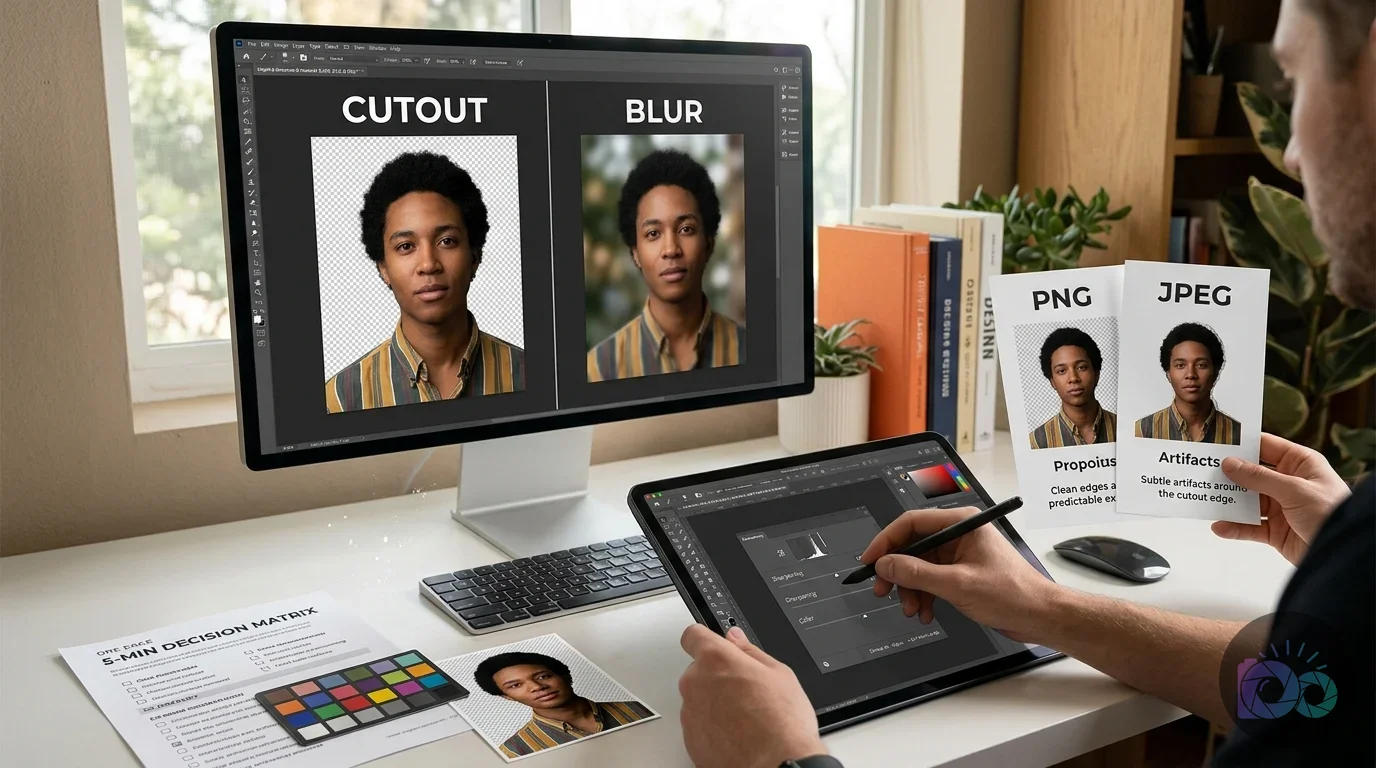
Professional-grade AI editing can significantly lift your conversion rates by improving visual consistency. When a shopper sees a product on a clean white background and then in a realistic lifestyle scene—like a watch on a café table—it becomes much easier for them to visualize owning it. That clarity removes friction. AI allows you to produce these varied lifestyle shots without the logistical nightmare or the cost of a full location photoshoot. Meanwhile, consistency across your catalog signals that you are a stable, professional business.
We often see bounce rates drop when a store replaces mismatched, amateur photos with cohesive, studio-style imagery. It makes your site feel like a curated catalog rather than a collection of random snapshots. For another quick win, using AI image upscaling ensures your zoom-in views are sharp rather than pixelated. Once your edits are finished, always use an image compressor. Speed is just as important as beauty; a slow site will kill your conversion rate and hurt your SEO rankings.
“Quality imagery isn’t just art; it’s about reducing the perceived risk for the shopper. If the photo looks professional, the product is assumed to be of high quality too.” — Shopify, Product photography guidelines (Help Center)
Ready to test it? Start with five of your worst-performing product listings. Run them through Snapshot or Photoroom, apply a pure-white background for the main image, and a soft studio theme for the second shot. Avoid overly busy AI environments that might distract from your call to action. Once you see the results look uniform, export them at a resolution that supports high-quality zoom views. You’ll likely find that the small investment in AI editing pays for itself in just a few additional sales.
In the fast-paced world of 2026 ecommerce, the right AI editor is a tool that guards your product’s integrity while keeping your lighting, shadows, and backgrounds perfectly consistent. Choose a platform that supports high-resolution batch processing to save your sanity. Standardize one theme for your main listings and another for lifestyle shots. Start small, verify your color accuracy, and then scale your workflow. When your catalog looks like it was shot in a single professional studio session, you’ll know you’ve found the right balance between tech and truth.
If your next step is discover essential mobile apps to edit product photos for e-commerce. learn pro tips for background removal, lighting, and optimization to boost your online store's visuals easily, Top Mobile Apps: E-commerce Product Photo Editing Guide is a dedicated option for that workflow.
FAQ
What is the best AI tool for removing backgrounds for free?
Photoroom and LightX are the top choices in 2026, offering precise masking and high-quality exports on their free tiers. They are ideal for sellers who need clean, web-ready product images without an immediate subscription cost.
Can I use AI to turn my product photos into lifestyle images?
Yes, utilities like Snapshot and Pixc can place your product into realistic digital environments like marble counters or sunlit gardens. For the best results, ensure the AI-generated lighting matches the original lighting on your product.
Do AI photo editors change the actual color of my product?
They shouldn’t, but general-purpose tools can sometimes cause color shifts. Ecommerce-focused editors are designed to protect product integrity, but you should always verify the output against the physical item before publishing.
Is AI editing better than hiring a professional photographer?
It is significantly faster and cheaper for high-volume stores, but it still requires a clear, well-lit original photo. Most successful brands use a hybrid approach: smartphone capture paired with AI for studio-style finishing.
How does batch editing help my Shopify store?
Batch editing applies the same background, shadow, and lighting settings across hundreds of images at once. This ensures your collection pages look cohesive and professional, which builds trust with potential shoppers.
Remove image backgrounds with AI