You’ve just finished a product photoshoot and need to present the new collection to potential retailers, or you’re a photographer building a portfolio for a high-value client. A standard folder of images won’t cut it; you need a polished, professional presentation that tells a story and sells your work, but fumbling with complicated software is the last thing you have time for.
Modern presentation tools have moved far beyond clunky, template-heavy slideshows. Today’s options offer intuitive design, powerful collaboration features, and even AI assistance to help you build a compelling deck in minutes, not hours. Whether you need a powerful free option like Canva or an AI-automated designer like Beautiful.ai, the right tool can help you create stunning slides without advanced design skills.
What Defines a Top-Tier Presentation App?
Before picking a tool, you need to know what to look for. Modern presentation software is judged on more than just slide transitions. The best platforms excel in four key areas: pre-built templates, collaboration options, customization flexibility, and affordability. A great app offers a rich library of professional templates to get you started quickly, while still allowing you to customize every element to match your brand. Real-time collaboration is also vital for teams, and a fair price point—with a strong free version—makes a tool accessible to everyone.
Best All-Around Free Option: Canva
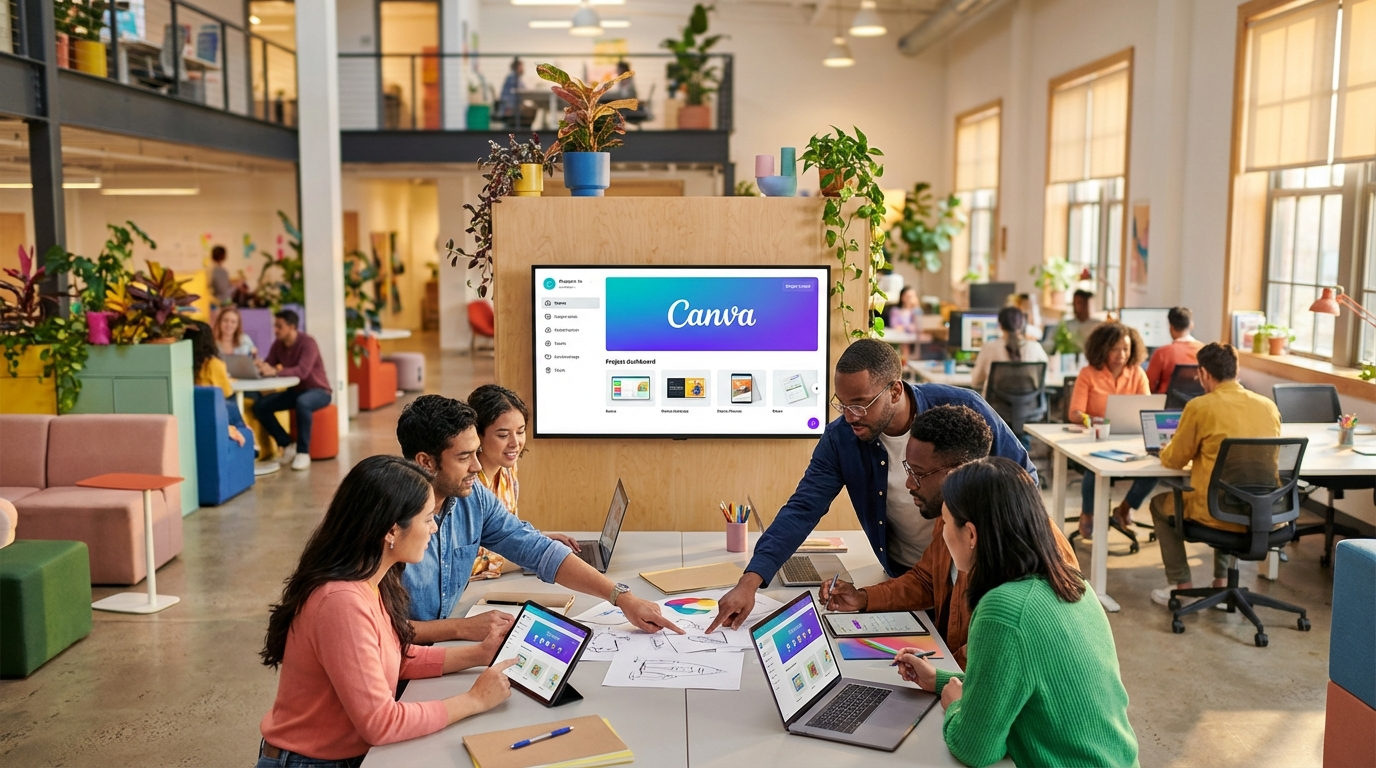
Canva is a design powerhouse that offers one of the most generous free plans available for presentation software. It’s the ideal starting point if you need to create something beautiful without a budget. The platform is built for non-designers, providing an almost overwhelming number of high-quality templates for every imaginable use case, from business pitches to educational lectures.
Its drag-and-drop editor is incredibly intuitive. You can easily add text, upload your own product photos, and access a vast library of free stock images, icons, and video clips. Canva also includes features for audience engagement. With Canva Live, you can present directly from the app and receive real-time questions from your audience. You can also record your presentation with a “talking head” video bubble, which is perfect for creating tutorials or asynchronous updates. While its new AI features are still developing, the core strength lies in its templates and ease of use.

Best for AI-Automated Design: Beautiful.ai
If your biggest frustration with creating presentations is tweaking alignments, fonts, and spacing, Beautiful.ai is the solution you need. This platform uses artificial intelligence to handle the design heavy-lifting, so you can focus entirely on your content. It enforces design rules automatically, ensuring every slide looks polished and consistent. This is a massive time-saver.
Instead of a blank canvas, you start by choosing from smart slide templates for things like data charts, team introductions, or product mockups. As you add your text and images, the AI automatically adjusts the layout to maintain a perfect balance. It strikes a great balance between automation and control; you can still customize colors and fonts to fit your brand, but you never have to worry about a misplaced element. For example, if you need to create a 20-slide pitch deck for investors by tomorrow, you can input your content into Beautiful.ai and trust the software to produce a deck that looks like it was made by a professional designer. There’s no free plan, but the monthly cost is a small price for the time and frustration it saves. For anyone looking at multiple AI productivity tools, you might find our Granola AI review interesting as well.
Best for Non-Linear, Conversational Storytelling: Prezi
Prezi breaks away from the traditional, linear slide-by-slide format. It uses a single, large canvas where you can place your content and create a dynamic path between topics. This approach allows you to build a more conversational and engaging presentation. Instead of being forced to move from slide 1 to slide 2, you can zoom in on details or jump directly to a section that interests your audience.
This format is especially effective for interactive sessions, mind maps, or complex stories where the relationship between ideas is as important as the ideas themselves. While there is a steeper learning curve compared to standard slideshow apps, Prezi provides excellent templates to help you get started. It also includes Prezi Video, a feature that overlays your presentation graphics directly on your webcam feed, creating a more immersive experience for virtual meetings.

Best for Creating Animated Video Presentations: Powtoon
Powtoon is designed to turn slide decks into engaging animated videos. The editor feels familiar, like a standard presentation app, but the output is a dynamic video complete with animations, characters, and soundtracks. It’s an excellent choice for creating marketing content, social media ads, or explainer videos without needing complex video editing software.
The platform automatically calculates the timing for each slide based on its content, though you can adjust it manually. One of its standout features is the ability to choose the orientation of your video—horizontal for standard displays, vertical for mobile, and square for social media feeds. The free plan is quite limited, capping video length and adding a watermark, so you’ll likely need a paid plan to get the most out of it. Still, it’s a powerful tool for anyone who wants to add motion to their message.
Best for Real-Time Team Collaboration: Pitch
Designed specifically for teamwork, Pitch excels at helping multiple people work on a single presentation deck simultaneously. Its collaboration features are more advanced than what you’ll find in most other tools. You can assign slides to specific team members, set statuses for each slide (like “In Progress” or “Needs Review”), and have threaded conversations directly in the comments.
This workflow makes it easy to manage large projects and ensure everyone is aligned. The interface is clean and modern, with beautifully designed templates that help your team create consistent, on-brand presentations. While it might be overkilled for a solo user, it is the top contender for agencies, startups, and corporate teams that need a central hub for their presentation creation process. When sharing sensitive data in collaborative projects, it’s always wise to ensure your general security is up to par, which is a good reason to compare options like in our Bitwarden vs Apple Passwords review.
Best for Interactive Audience Engagement: Mentimeter
Mentimeter is less about slide creation and more about transforming your presentation into a two-way conversation. It allows you to build slides that actively involve your audience through live polls, word clouds, quizzes, and open-ended Q&A sessions. Your audience participates using their smartphones, and the results appear on your slide in real time.
This is an incredibly effective way to keep viewers engaged, gather instant feedback, and make your data more impactful. For example, you can present new product designs and get immediate feedback from your team via a live poll.
While you can build an entire presentation in Mentimeter, its real strength is as a supplement to other tools. You can easily integrate Mentimeter slides into an existing PowerPoint or Google Slides presentation to add interactive elements where they matter most.
The best presentation software is the one that fits your specific workflow, budget, and goals. There is no single “best” for everyone. Your first step should be to identify your primary need: Is it creating a beautiful design quickly, collaborating with a team, or engaging an audience? For most people, starting with a versatile and free tool like Canva is a great way to explore what’s possible without any commitment.
FAQ
Can I create a professional presentation on my phone?
Yes, apps like Canva and Prezi have robust mobile versions that allow you to create and edit presentations on the go. While a desktop offers more precision, mobile apps are great for quick edits or creating simple slideshows.
What is the main difference between PowerPoint and Google Slides?
The primary difference is that PowerPoint is traditionally desktop-based software, while Google Slides is entirely web-based. Google Slides excels at real-time collaboration and is free, whereas PowerPoint offers more advanced features and offline capabilities.
How can I make my presentation look good if I have no design skills?
Use a template-driven tool like Canva or an AI-powered one like Beautiful.ai. These platforms provide professionally designed layouts, color palettes, and font pairings, which removes the guesswork and ensures a polished result.
Is it worth paying for presentation software?
It depends on your needs. Free tools like Canva and Google Slides are powerful enough for most users. A paid subscription is worthwhile if you need advanced features like AI design automation, extensive video capabilities, or premium collaboration tools.