I Updated My AI Headshot Generator Comparison: Why Free Tools Cost More
For creators, free AI headshot generators often fail. Discover why only a few paid tools deliver professional results for LinkedIn and personal branding.

The Hard Truth About Free AI Headshots
When I updated my AI headshot generator comparison, the biggest takeaway was clear: free AI headshot tools are rarely worth your time if you’re serious about your brand. While dozens of options promise quick, affordable professional photos, most deliver inconsistent results that can actually hurt your online presence. Generic backgrounds, strange lighting, or distorted facial features are common issues.
Many free apps, like those often seen in casual social media trends, miss the mark on industry-specific or nuanced brand needs. They might work for a fun profile picture, but for a LinkedIn update or an e-commerce ‘About Us’ page, they fall short. Think of options like Passport Photo Online or even Canva’s AI Headshot Remover. They’re quick fixes, not professional solutions. These tools often lack the sophisticated AI models and deep training data required for truly authentic, high-quality output.
Which AI Headshot Generators Deliver Professional Results?
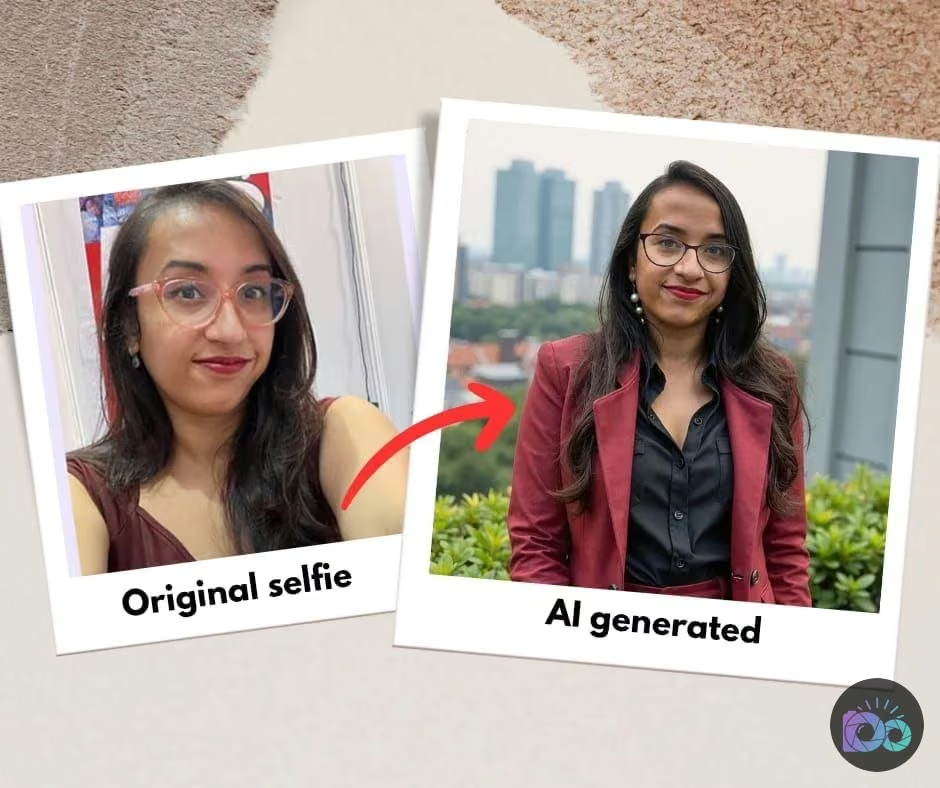
So, which AI headshot generators actually earn their keep? After testing over 30 tools, my top recommendations for professional results are consistent: HeadshotPro and Aragon. These web-based platforms stand out because they use advanced AI models capable of generating highly realistic and versatile headshots. They offer a range of styles and allow for subtle adjustments, giving creators more control over the final image.
For example, HeadshotPro excels at generating diverse poses and expressions, providing a wide-ranging gallery to choose from. Aragon, similarly, focuses on high-fidelity output that truly mimics a professional photo session. These tools are designed for users who understand the value of a polished image for personal branding or professional networking. While some mobile apps like Eltima offer an iPhone pick for basic use, for serious job applications or corporate profiles, I would generally skip most other iPhone apps in favor of these dedicated web tools. They meet higher evaluation criteria for ‘professional’ output, including lighting, background consistency, and natural-looking skin tones.
Mastering Your AI Headshot: Input Matters Most
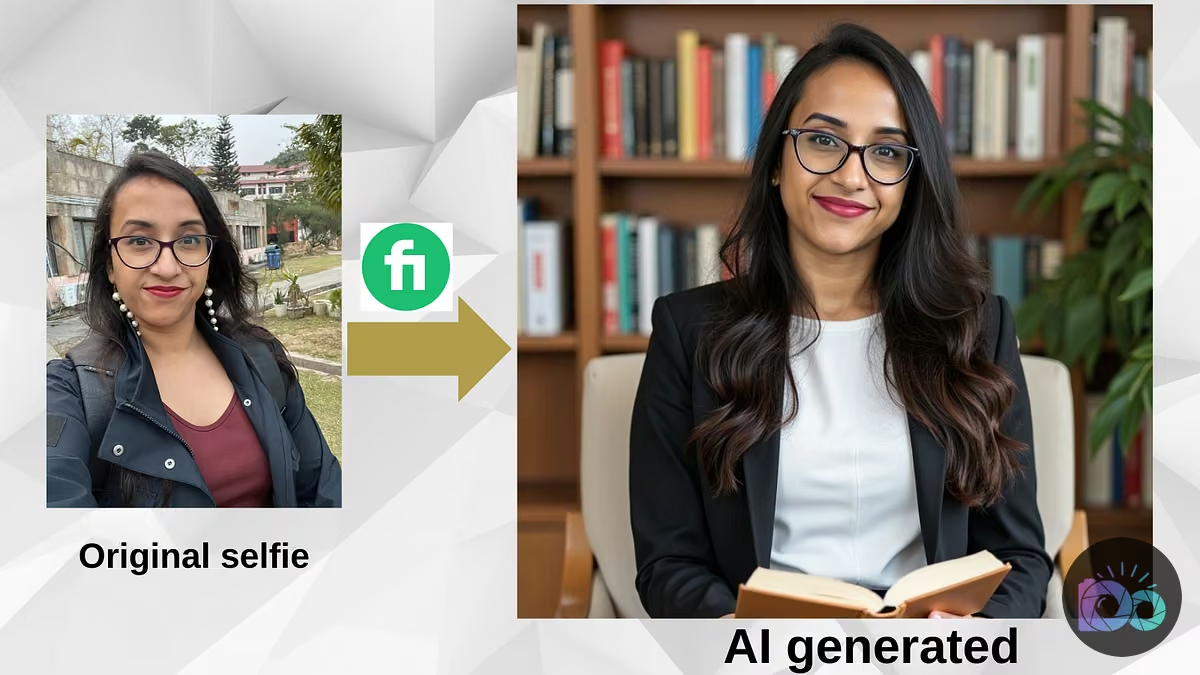
It’s not just the AI tool; it’s largely about what you feed it. Getting a professional, accurate AI headshot begins with your input photos. Many creators overlook this crucial step, assuming the AI can work magic with any selfie. That’s a costly mistake. Aim for 10-20 high-quality, varied photos: different expressions, angles, and outfits. Think about what a real photographer would ask for.
Ensure your input photos have good, even lighting. Natural daylight is best. Avoid harsh shadows, busy backgrounds, or heavy filters. The more consistent and well-lit your original photos are, the better the AI can learn your features and generate professional-grade outputs. This preparation drastically reduces the chance of odd artifacts or inconsistent results, making the investment in a paid generator truly pay off.
Cost vs. Value: Why Premium AI Headshots Pay Off
Imagine you’re an e-commerce seller with a new product launching. Your ‘About Us’ page needs to convey professionalism and trustworthiness. Relying on a free, mediocre AI headshot could subconsciously deter potential customers. A premium AI headshot, costing anywhere from $19 to $50, offers a significant return on investment compared to a traditional photoshoot that can easily run $200-$500 or more.
The cost-benefit analysis is simple: a quality headshot enhances your personal brand, increases perceived credibility, and aligns with professional standards, particularly on platforms like LinkedIn. Free alternatives often fail to capture industry-specific nuances or project the level of polish necessary for serious brand needs. Investing in a tool like HeadshotPro or Aragon ensures a consistent, high-quality visual that supports your professional goals, making it a smart business decision rather than an unnecessary expense. You can see discussions around this on sites like Reddit, where users weigh different paid options for optimal results.
FAQ
Are free AI headshot generators worth using?
For casual personal use, some free AI headshot generators might be adequate. However, for professional contexts like LinkedIn, personal branding, or business websites, they often produce inconsistent, generic, or low-quality results that can undermine your credibility. Invest in paid tools for truly professional outcomes.
How can I ensure a professional-looking AI headshot?
Start with high-quality input photos: 10-20 varied shots with good, even lighting, diverse expressions, and professional attire. Choose a reputable paid AI headshot generator like HeadshotPro or Aragon that uses advanced AI models. Finally, review the generated options carefully for naturalness and consistency.
What’s the difference between AI headshot apps and web tools?
Many AI headshot apps for mobile devices offer quick, basic generations, often with less control and lower quality. Dedicated web-based tools, like HeadshotPro, typically provide more sophisticated AI, advanced customization options, and higher-resolution outputs, making them better for professional use.


