Blog
Practical tutorials and tips on image, compression, formats, and performance.
133 posts · Page 6 of 12
-
 Tutorials
Edit Photos with AI in 2026: 6 Pro Tips (Tested on Architecture)
Yes. You can use AI to manipulate your snapshots in 2026 for heavy-duty cleanup like erasing clutter, stretching a frame, and reconstructing messy backgrounds.
-
 Tutorials
Add Text to Image Without Photoshop: 6 Pro Methods (2026 Test)
If you want to add text to photo online free and skip Photoshop entirely, you need a browser-based editor that lets you upload, drop a text box, pick a font…
-
 Tool Comparisons
Canva vs Photoshop 2026: Which Design Tool is Best for You?
Choosing between Canva and Photoshop in 2026 depends on whether you prioritize creative control or sheer production speed. While Canva dominates for social…
-
 Image Editing
Add Text to Image on PC: 5 Fast & Free Methods (2026)
To add text to image on PC, you should first look at the native Windows Photos app’s Markup tool for speed, or pivot to a web editor like Canva if you need…
-
 Tool Comparisons
4 Best Free Photo Collage Apps for Social Media Branding 2026
The best free photo collage app for social media branding 2026 is PhotoGrid. It offers over 20,000 designer templates and high-resolution exports without…
-
 Tool Comparisons
Canva vs Photoshop 2026: 6 Reasons for Faster Design (Tested)
switching from photoshop to canva for speed is a strategic transition for creators prioritizing high-volume output over pixel-perfect manipulation.
-
 Tutorials
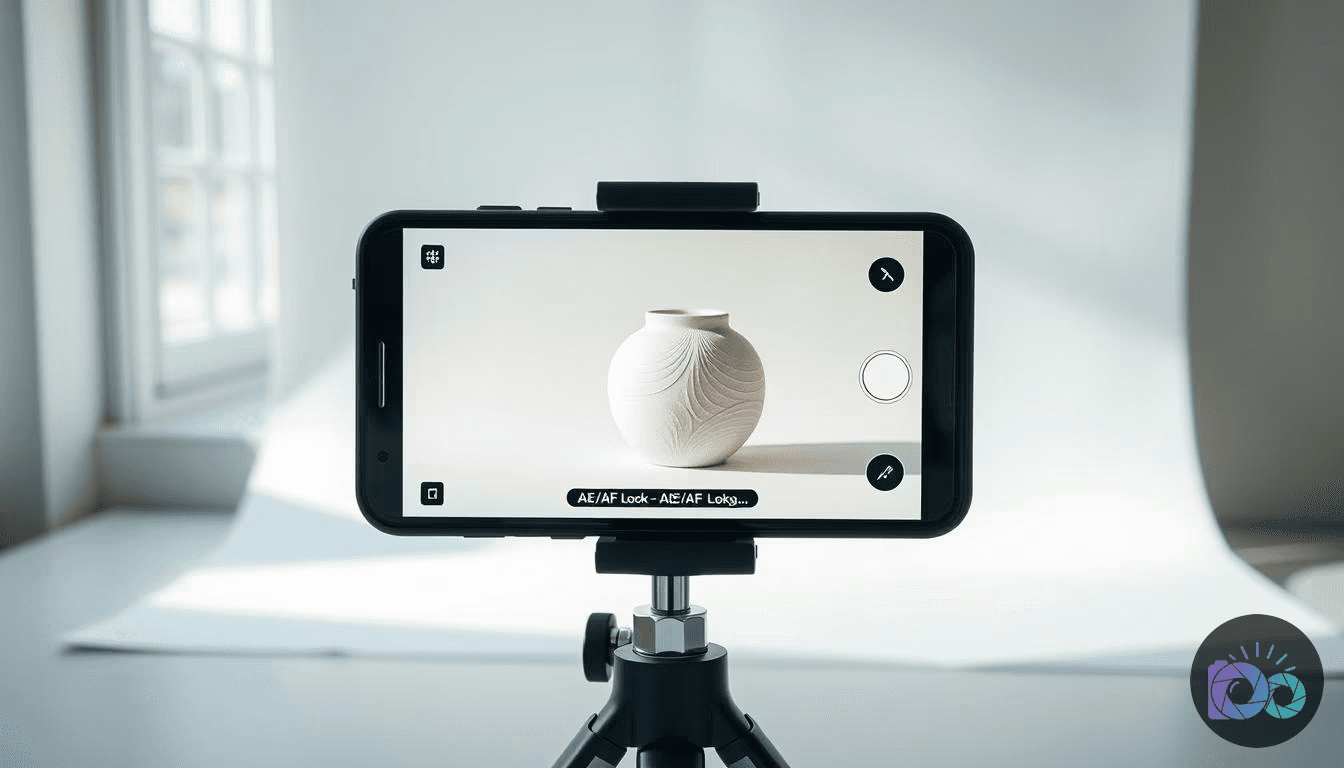
How to Take Product Photos with Phone: 6 Steps (2026 Tested)
To learn how to take product photos with phone, you need a stable tripod, a clean backdrop sweep, and soft natural light from a side window.
-
 Tool Reviews
Best AI Photo Editors 2026: Photoshop vs. Luminar (Tested)
In my book, the best all-around AI photo editor is Adobe Photoshop, thanks to its powerful Generative Fill and pro-level toolset. For a simpler, AI-first…
-
 Tutorials
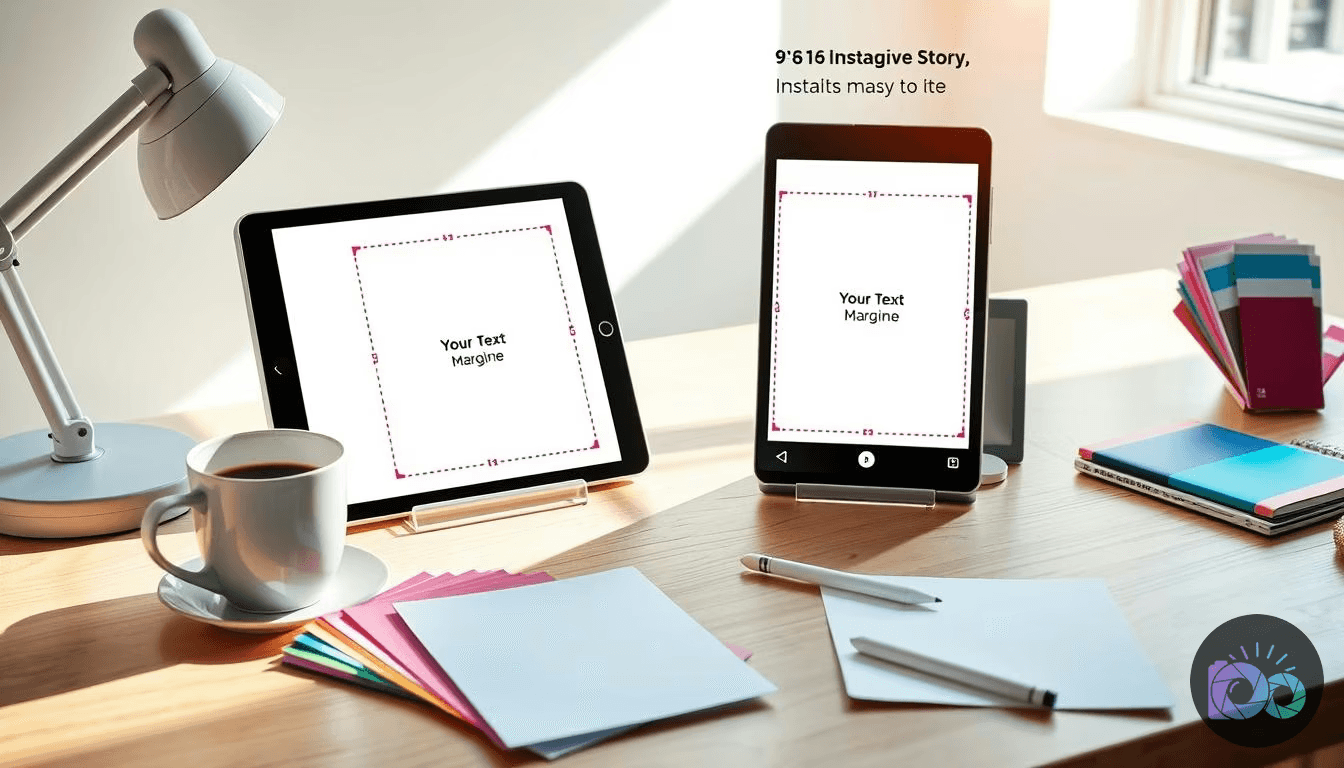
Instagram Story Template: Make Yours in 2026 (1080×1920)
If you’re learning how to make your own instagram story template, build a 1080×1920 (9:16) layout, keep text inside safe margins, and export a clean PNG (or…
-
 Tool Reviews
Is Photoshop Good for Drawing? 7 Practical Insights (2026)
Is Photoshop good for drawing? It is. Provided you use it as a high-end finisher rather than a casual sketchbook. While the software excels at digital painting…
-
 Tool Reviews
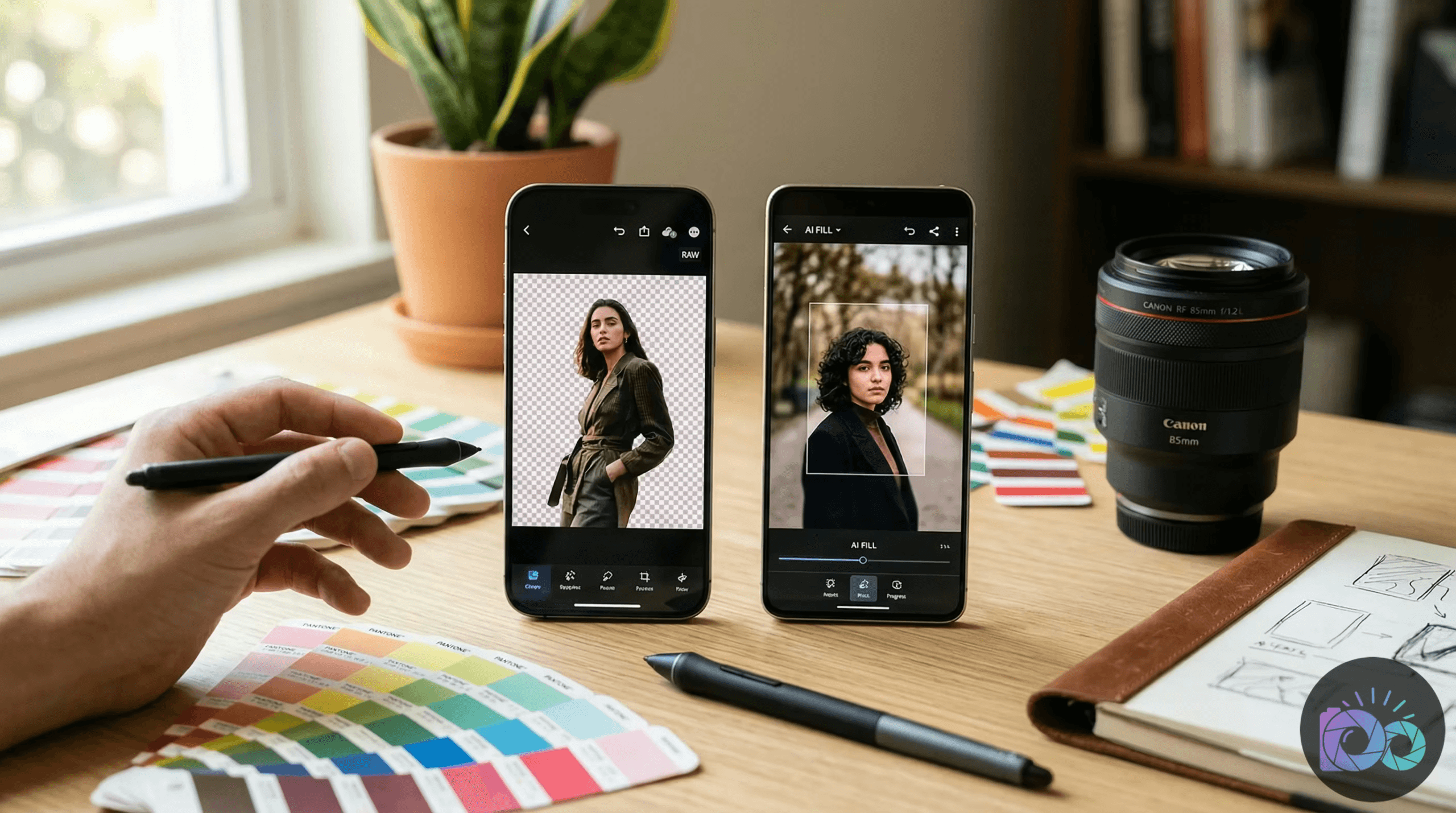
Best Free AI Image Eraser: 7 Expert Insights (Tested 2026)
The best free ai image eraser in 2026 is WaveSpeed Image Eraser. This utility provides professional-grade generative inpainting without the annoyance of…
-
 Tool Comparisons
5 Best Bulk Image Resizers in 2026 (Tested for Quality)
The best bulk image resizer for 2026 isn’t a single app; it’s a choice based on your workflow: Windows PowerToys for the fastest local batch resizing on…


