Blog
Practical tutorials and tips on image, compression, formats, and performance.
133 posts · Page 3 of 12
-
 Tutorials
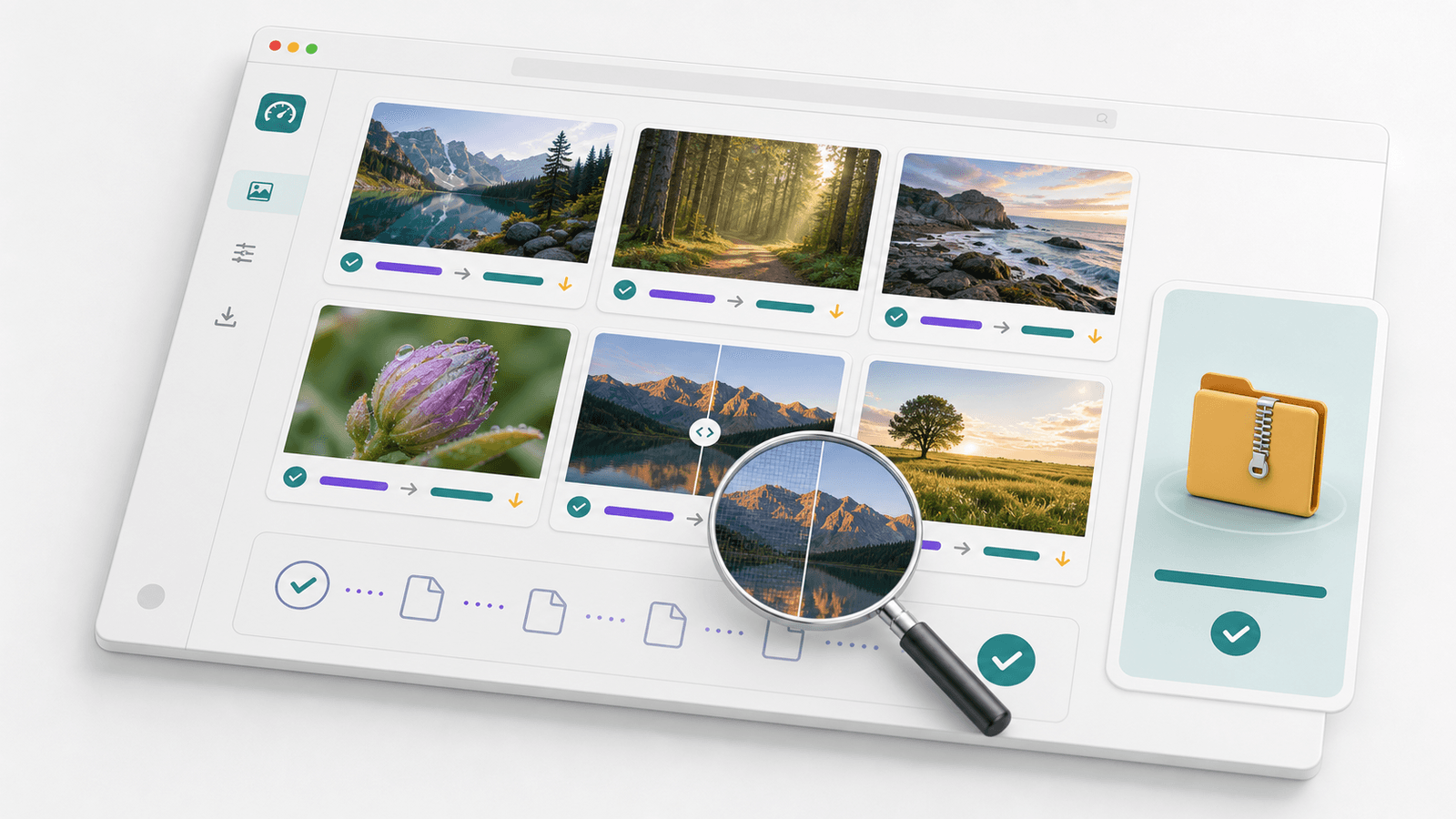
Batch Compress Images Guide 2026: Folder to ZIP
Batch compress images without confusing ZIP with real image savings. Resize oversized originals, compress the set, and download one clean folder.
-
 Tutorials
Depop Photo Size Guide 2026: Exact Specs and Square Crops
Depop shows every listing photo as a square. Get the exact specs, the four-photo strategy, and measured export sizes that keep your item inside the crop.
-
 Tutorials
Compress an Image to 200 KB: Fix the Pixels, Not the Quality
A 24 MP photo won't hit 200 KB on the quality slider alone. Resize the pixels first, then set quality and format. Real numbers from a bench test inside.
-
 Tutorials
How to Convert WebP to JPG for Upload Forms
Convert WebP to JPG for upload forms, email, and older apps without guessing. Use Paint first, then a browser converter when needed.
-
 Tutorials
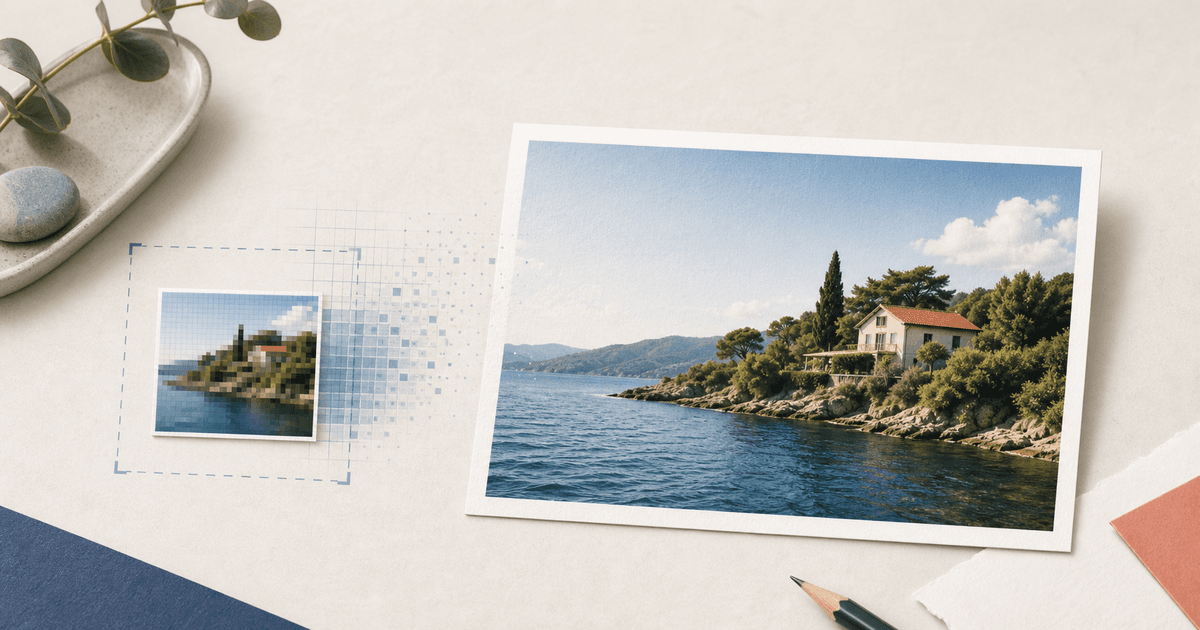
How to Make a 4x6 Print From a Small Photo
Turn a small photo into a sharper 4x6 print: check pixels, crop the right ratio, upscale only when it helps, and export cleanly.
-
 Tutorials
How to Make a Logo Fit a Discord Server Icon
Make a Discord server logo fit the circular icon slot without clipped text, fuzzy edges, or dead padding around the mark.
-
 Tutorials
How to Convert PNG Screenshots to AVIF
Convert PNG screenshots to AVIF for lighter blog images, sharper UI text, and safer fallbacks when older browsers still need PNG or WebP.
-
 Tutorials
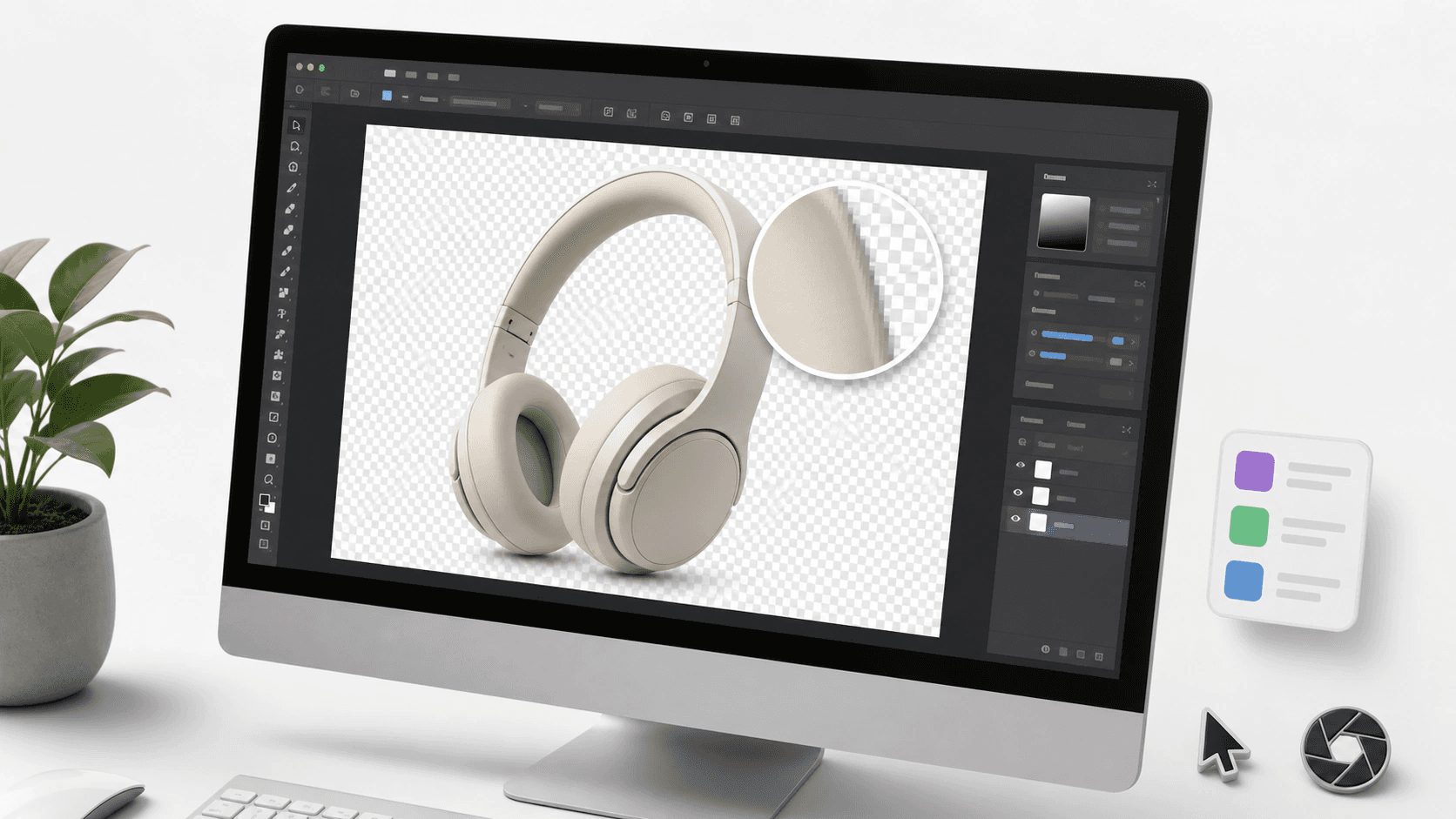
How to Convert WebP to PNG for Editing
Convert WebP to PNG when an editor rejects the file, keep transparency intact, and know why the exported PNG may get heavier.
-
 Tutorials
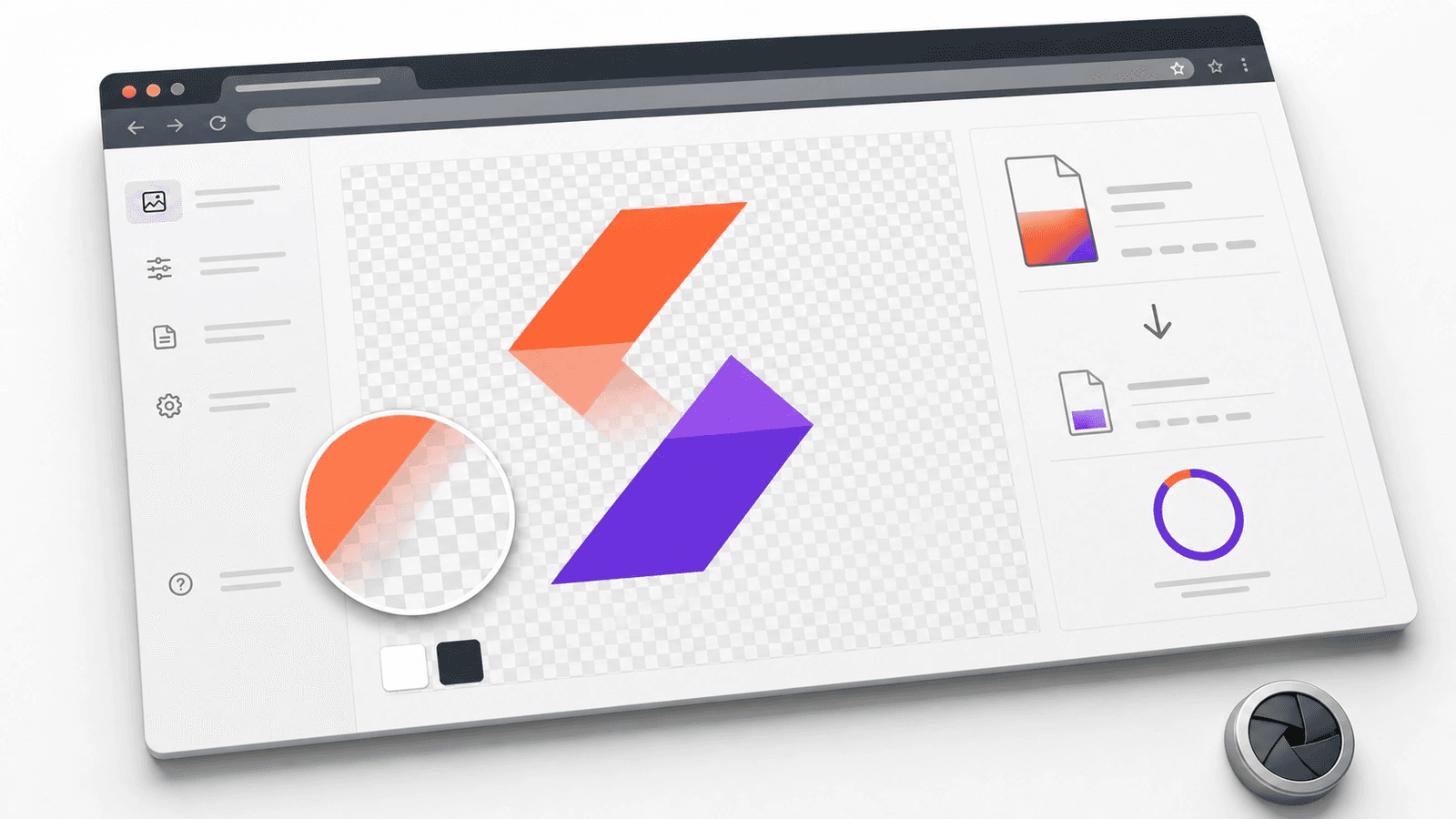
How to Make a PNG Smaller Without Losing Transparency
Shrink a transparent PNG without adding a white background. Use lossless compression, resize oversized art, and check soft edges before any web upload.
-
 Tutorials
How to Fit a Logo in a Circle Without Cutting Off Text
Fit a wide logo inside a circular profile image without clipped text. Use the right safe area, crop method, export format, and small-size check before upload.
-
 Tutorials
Why PNG Transparency Turns Black in JPG (and How to Fix It)
Learn why transparent PNG areas turn black in JPG files, then fix the matte in Preview, Paint, or a browser converter without rough edges or dark halos.
-
 Tutorials
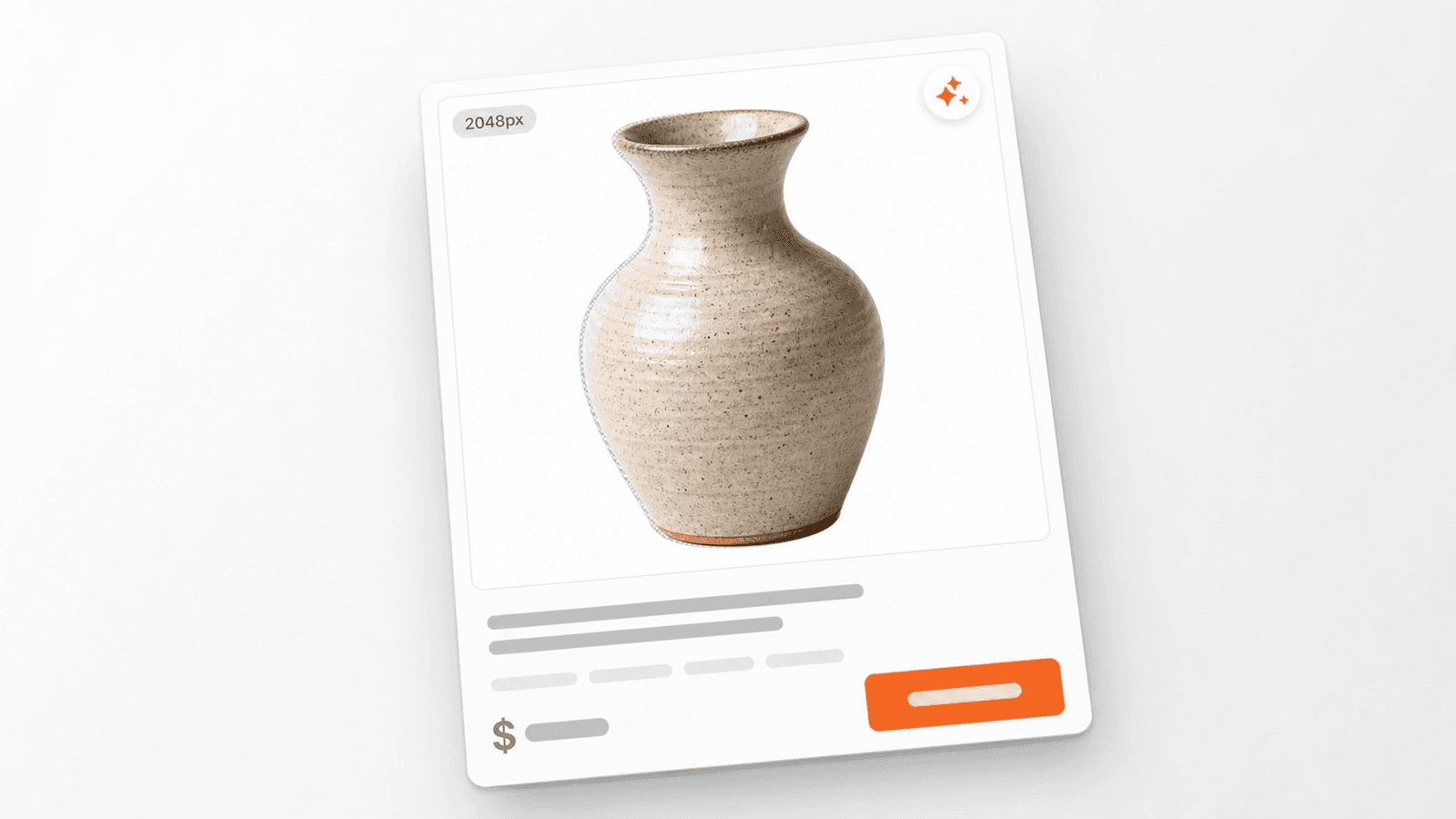
How to Remove Image Background for Shopify Product Listings (2026)
Remove Shopify backgrounds using native Shopify Magic, pro AI tools, or manual editors while hitting the 2048px requirement for 2026.


