Blog
Practical tutorials and tips on image, compression, formats, and performance.
133 posts · Page 2 of 12
-
 Tutorials
Shopify Product Image Formats Guide 2026: Stop Preconverting
Pick the right Shopify product-image master, avoid redundant WebP conversion, and keep product photos sharp within the platform's upload limits.
-
 Tutorials
How to Resize an Image to Exact Pixel Dimensions
Resize an image to exact pixel dimensions without stretching it: choose fit, fill, or crop, then export a clean file.
-
 Tutorials
Crop a Photo to 4:3 Without Stretching
Crop a photo to 4:3 without stretching it: choose the right frame, protect edge detail, and export clean dimensions.
-
 Social Media Design
Pinterest Pin Safe Zone Guide: Fit Text Without Truncation
Build a Pinterest Pin that keeps its headline, product, and logo visible by using the current safe zones, 2:3 canvas, and a smarter crop.
-
 Tutorials
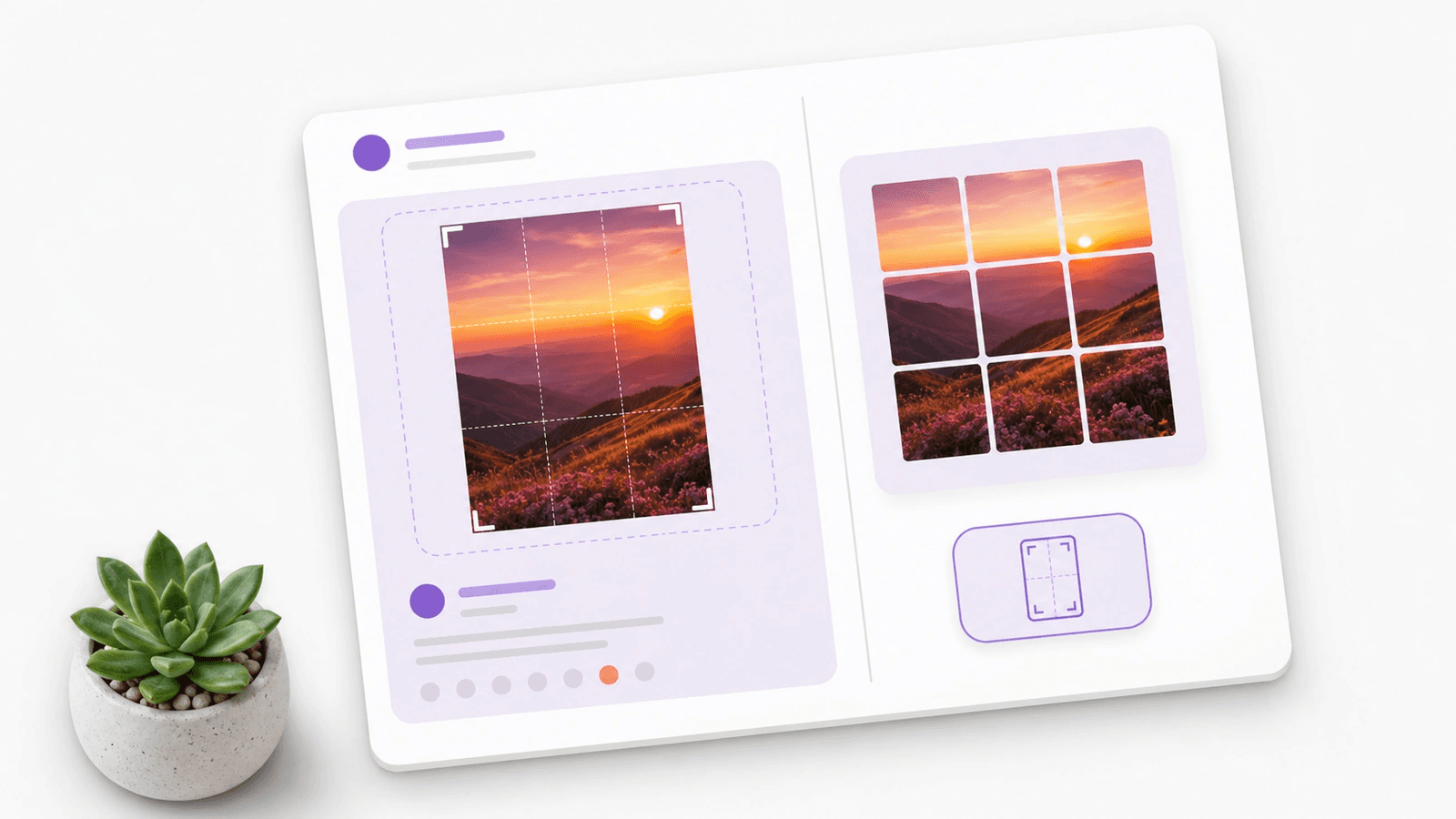
Instagram Post Size Guide 2026: 1080x1350 or 3:4?
Choose 1080x1350 or a taller 3:4 Instagram post, keep the focal point safe, and export a clean crop without a surprise grid cut.
-
 Tutorials
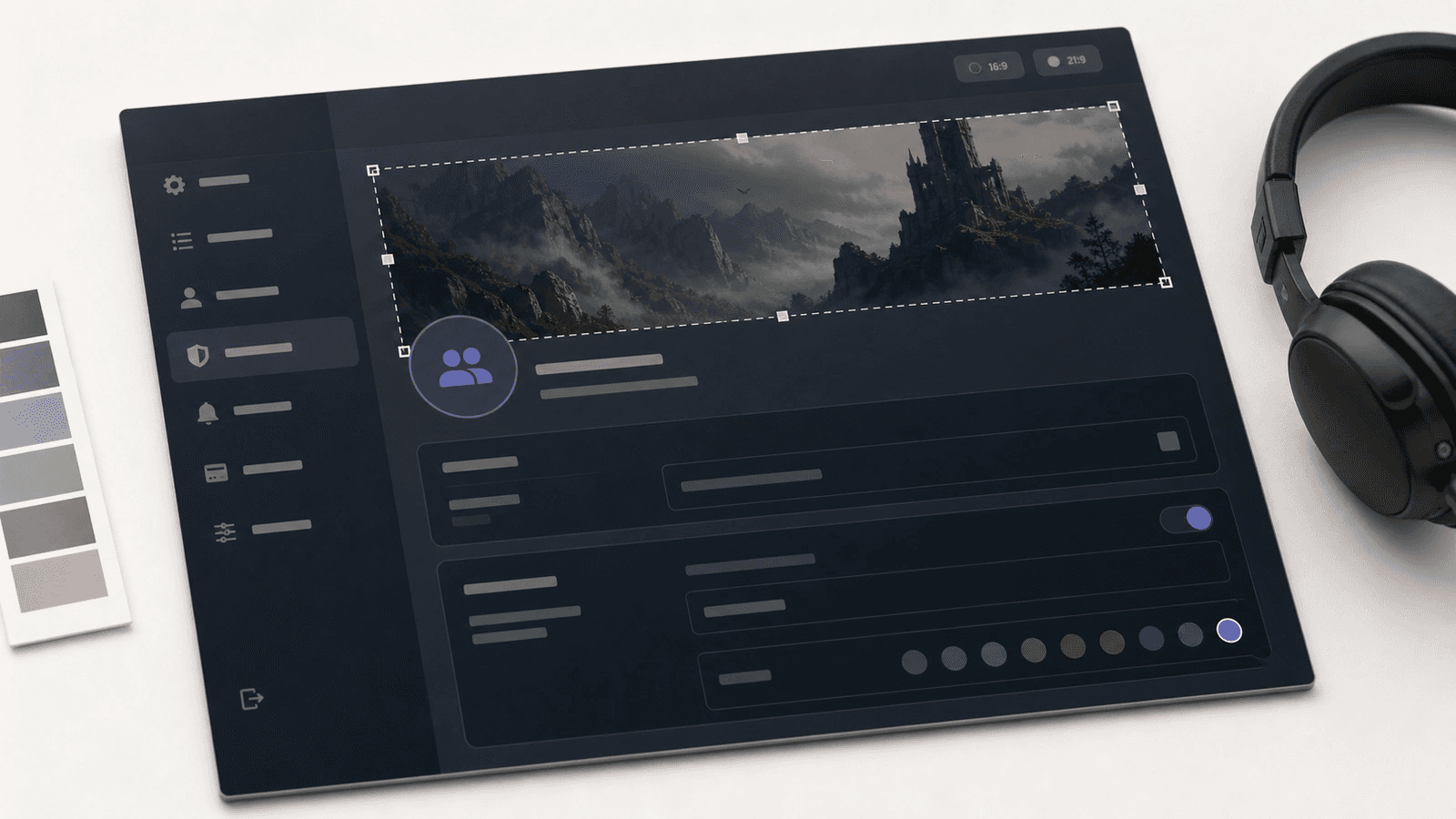
Discord Server Banner Size Guide 2026: Crop Without Blur
Use the right Discord server banner size, protect the top safe area, and export a clean 16:9 image before upload.
-
 Tutorials
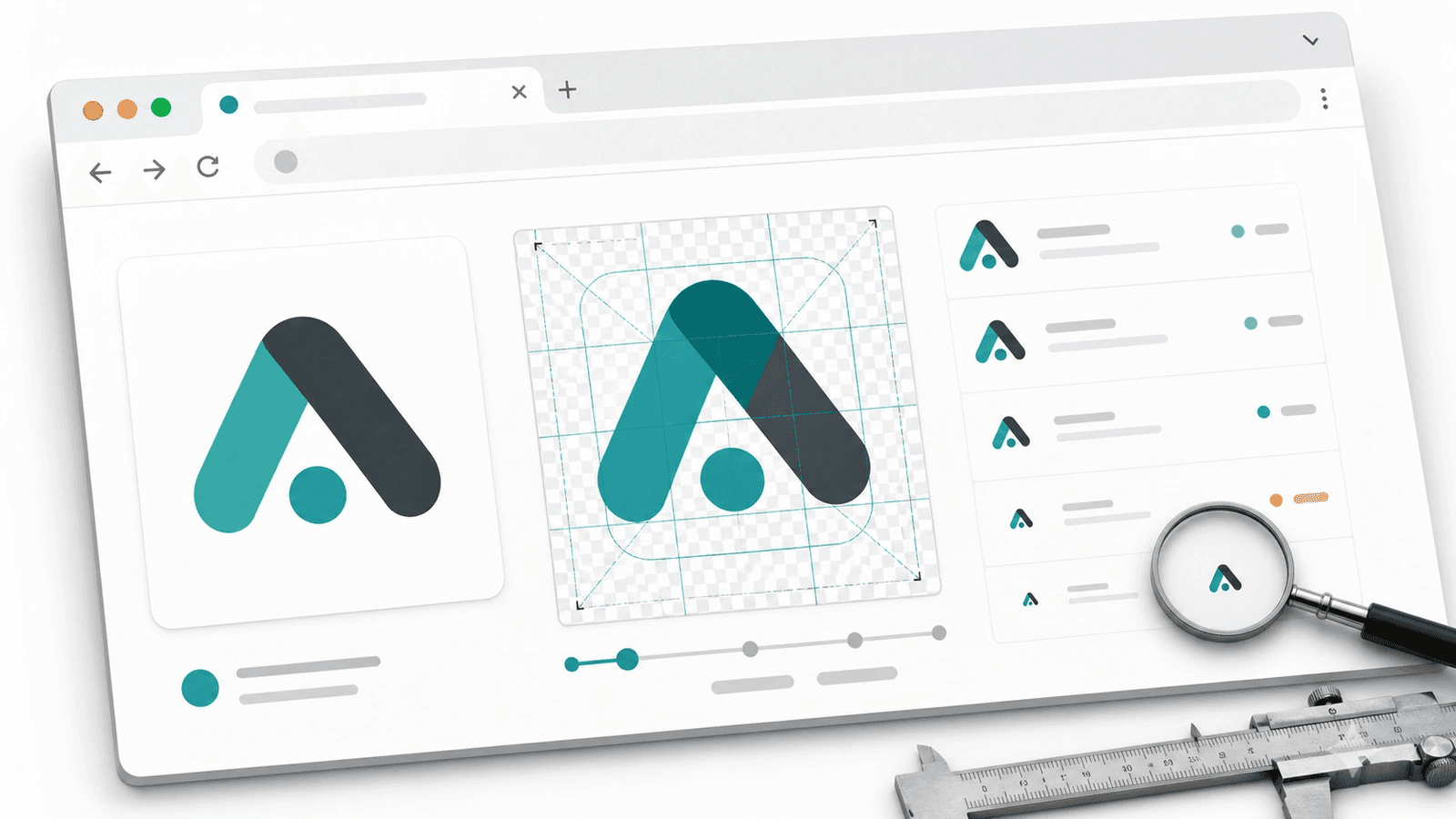
Favicon From Image Guide 2026: Sizes, ICO, and PNG
Make a favicon from an image with the right source crop, ICO and PNG sizes, HTML links, and a 16 px sharpness check.
-
 Tutorials
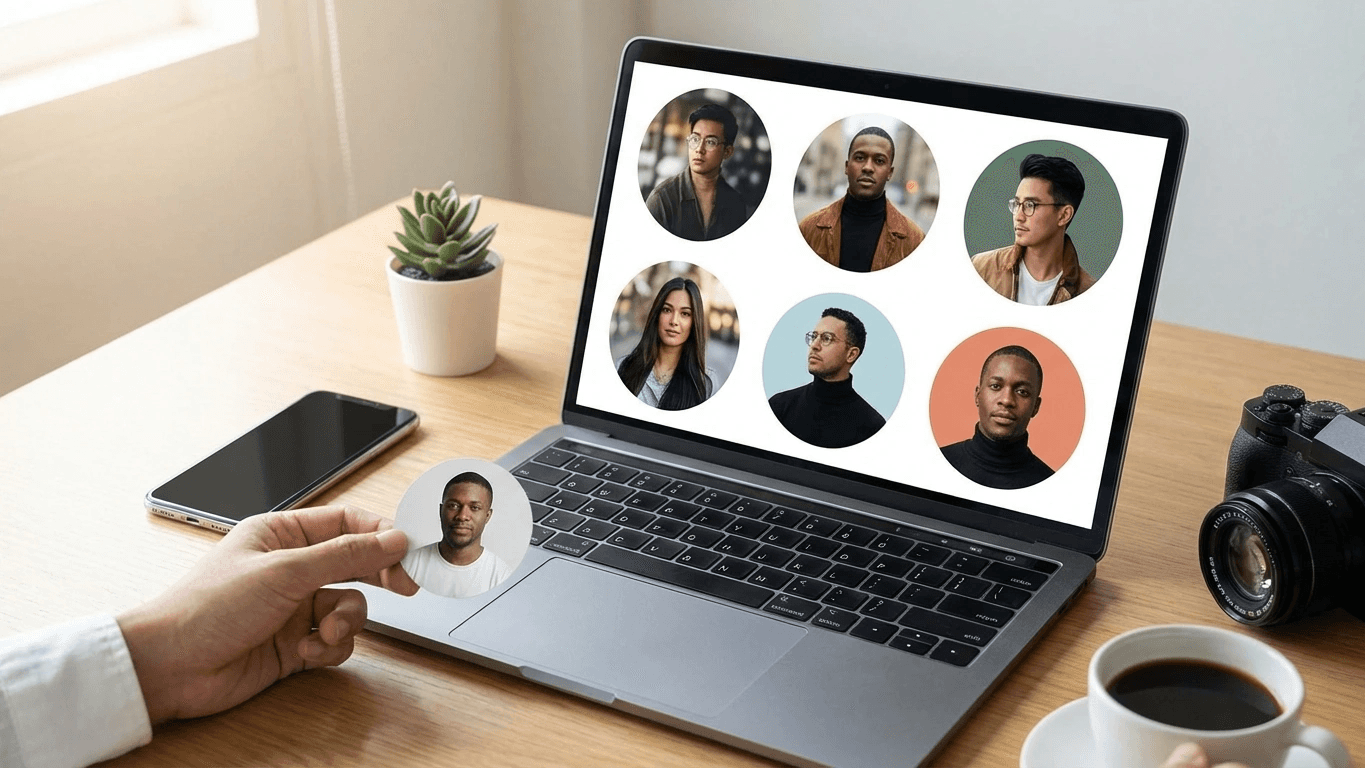
LinkedIn Banner Size Guide 2026: Resize Without Cropping
Use the right LinkedIn banner size, crop a 4:1 safe zone, and export a sharp JPG or PNG that survives profile upload cleanly.
-
 Tutorials
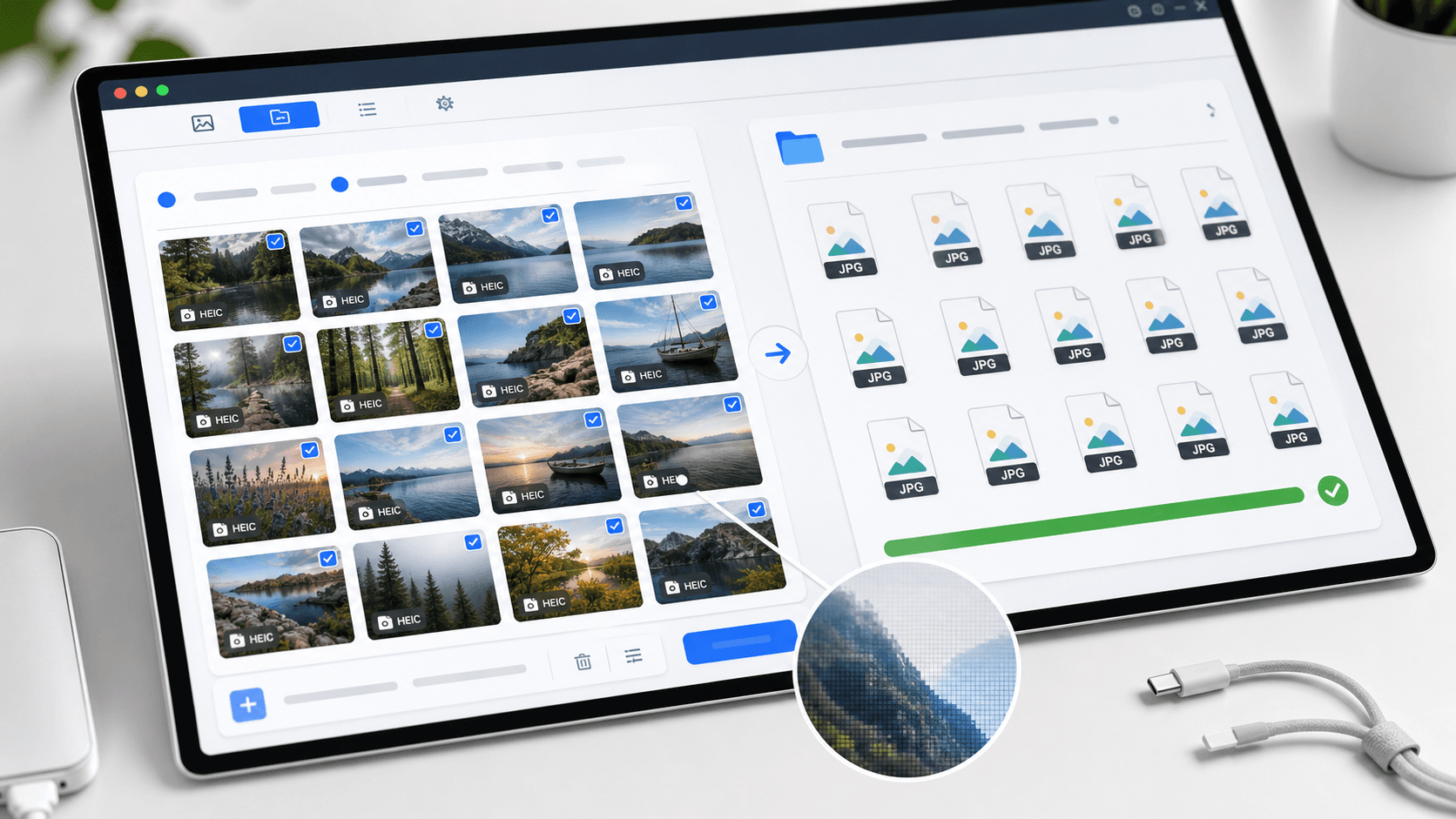
Batch Convert HEIC to JPG Guide 2026: iPhone to Windows
Batch convert HEIC to JPG for Windows upload forms: import iPhone photos, prevent future HEIC captures, and verify clean JPG copies.
-
 Tutorials
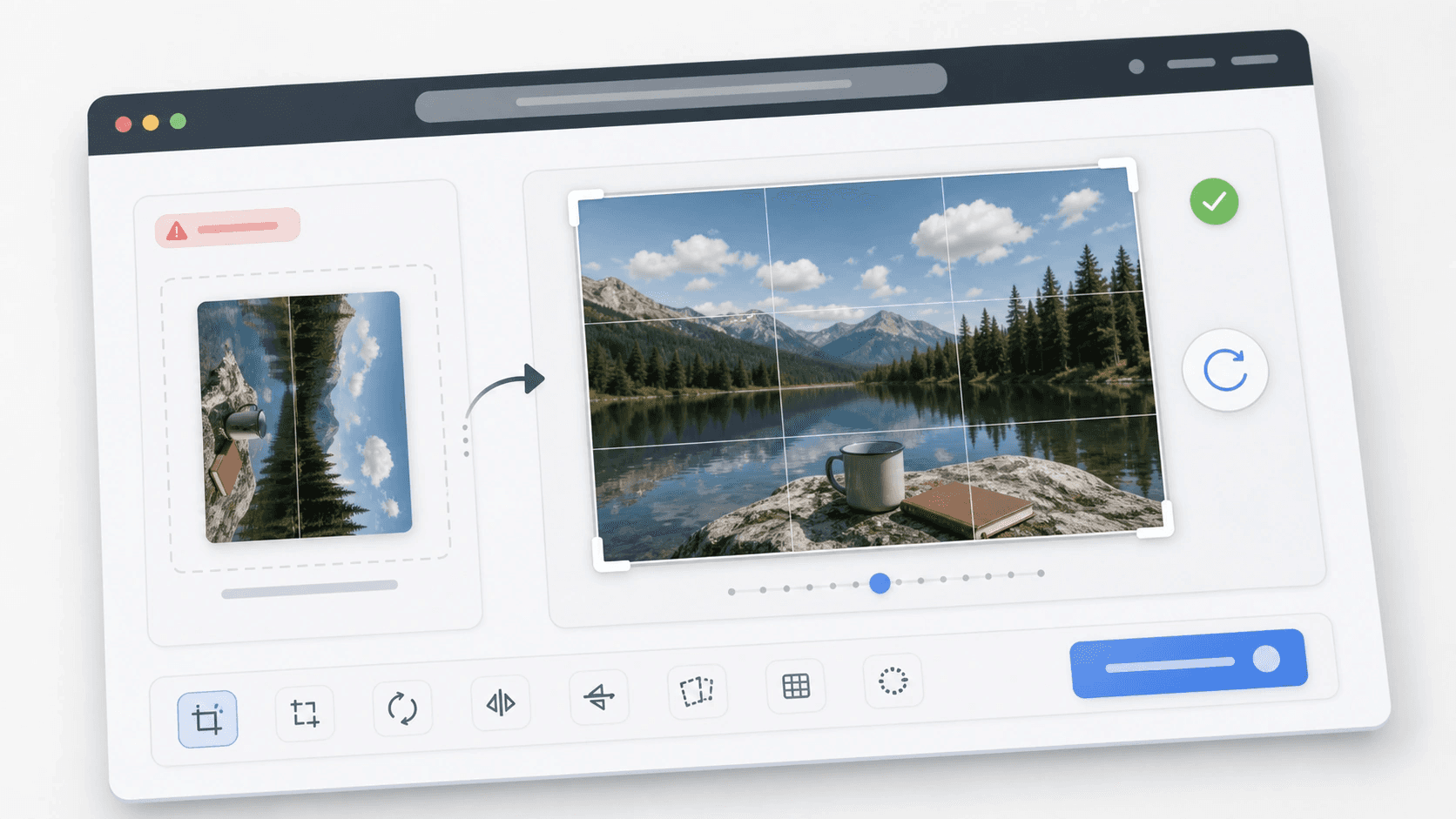
How to Rotate an Image Before Uploading
Fix a sideways image before upload: use Photos, Windows Photos, Google Photos, or a browser crop tool, then check the preview.
-
 Tutorials
Remove GPS Location Data from Photos Guide 2026
Remove GPS location data from photos before posting, verify the clean copy, and keep the original file untouched.
-
 Tutorials
Resize Image by Percentage: A Clean Pixel-Math Guide
Resize an image by percentage without guessing: use the pixel formula, pick a safe percent, and avoid blur on photos or screenshots.


