Circle Crop

Create perfect circular crops for avatars and profile pictures

Upload Image

Click or drag & drop • PNG, JPG, WEBP

How to Crop an Image into a Circle

Follow these simple steps to create perfect circular crops

1

Upload Your Image

Click the upload area or drag & drop your image. Supports PNG, JPG, and WEBP formats up to 10MB.

2

Position & Adjust

Drag to reposition, pinch to zoom, and use rotation buttons to get the perfect framing within the circular guide.

3

Preview & Configure

Click "Crop" to see a preview. Choose your preferred size (256px to 2048px) and format (PNG, JPEG, or WEBP).

4

Download

Click "Download" to save your perfectly cropped circular image. Ready to use as avatar or profile picture!

Why Choose Our Circle Crop Tool?

Professional features for perfect circular crops every time

Lightning Fast

Process images instantly in your browser. No uploads, no waiting. Your privacy is protected.

100% Private

All processing happens locally in your browser. Your images never leave your device.

High Quality

Preserve 100% of your image quality. Export up to 2048x2048px with multiple format options.

Mobile Friendly

Works perfectly on desktop, tablet, and mobile devices. Crop images anywhere, anytime.

Completely Free

No subscriptions, no watermarks, no limits. Use our tool as many times as you need.

Professional Results

Precision cropping with visual guides and rotation controls for pixel-perfect results.

Frequently Asked Questions

What image formats are supported?

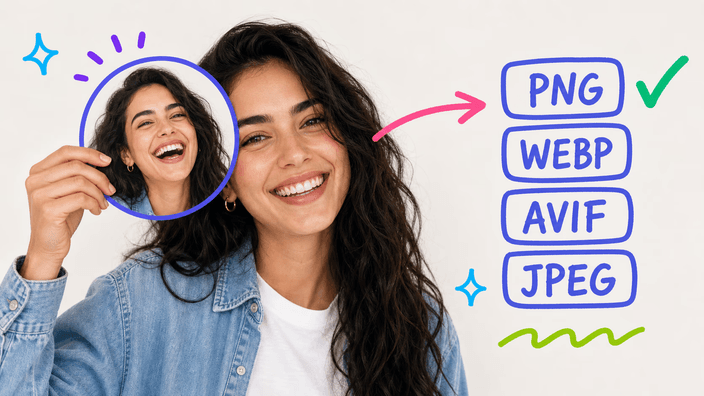
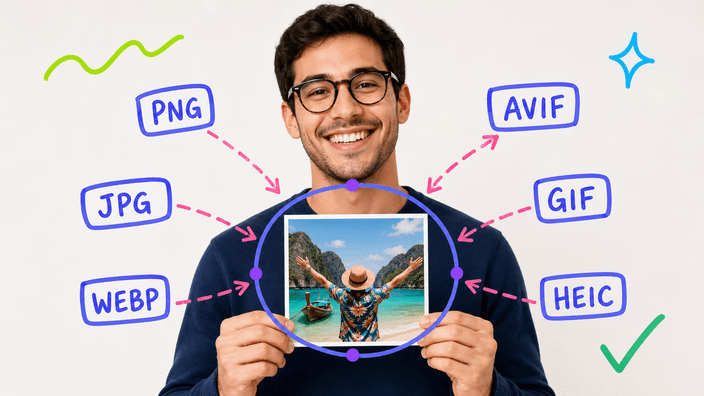
Our circle crop tool supports PNG, JPG, JPEG, and WEBP formats. You can upload images up to 10MB in size. For the output, you can choose between PNG (with transparency), JPEG, or WEBP formats.

Are my images stored on your servers?

No, absolutely not. All image processing happens locally in your browser using JavaScript. Your images never leave your device, ensuring complete privacy and security.

What output sizes are available?

You can export your circular crop in four different sizes: 256x256px (small), 512x512px (medium), 1024x1024px (large), and 2048x2048px (extra-large).

Will my image lose quality?

No! We preserve 100% of your original image quality during the cropping process. PNG and WEBP formats support transparency, while JPEG provides smaller file sizes.

Can I use this tool on my phone?

Yes! Our circle crop tool is fully responsive and works great on all devices including smartphones and tablets.

Is this tool really free?

Yes, absolutely! There are no hidden costs, no subscriptions, and no limitations. We don't add watermarks to your images either.